
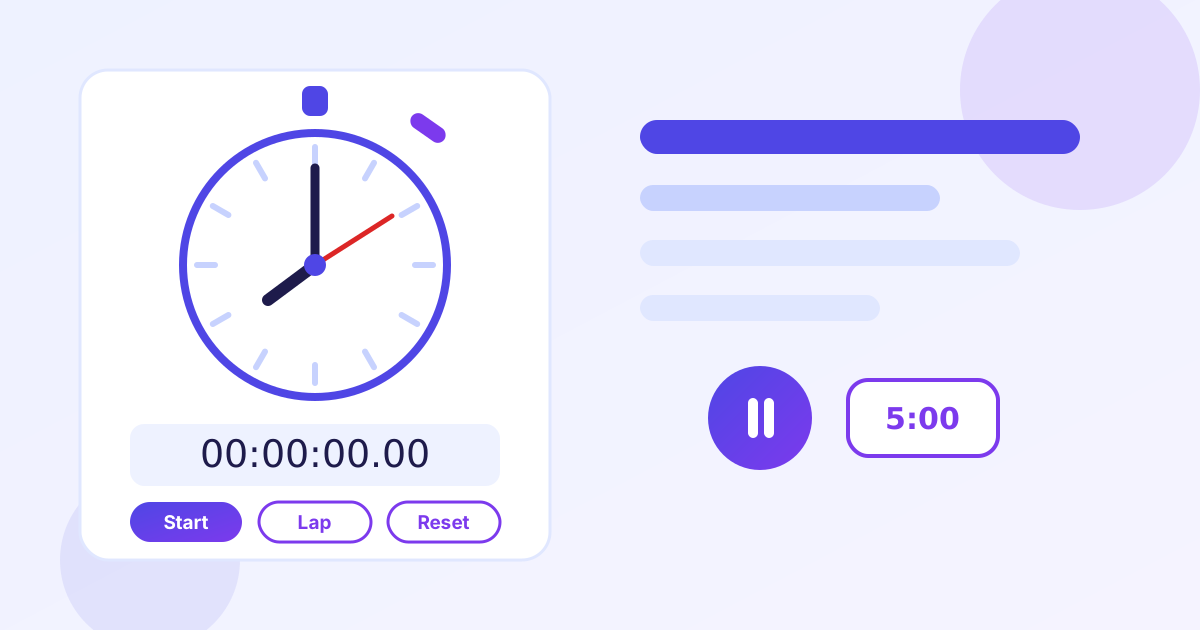
Time anything with ZeroFee Tools' free online stopwatch: millisecond precision, unlimited lap splits with fastest/slowest highlights, a fullscreen display for gyms and classrooms, plus a countdown timer with an alarm sound and optional browser notification. No signup, no watermark, no limits.
Shortcuts: Space start/pause · L lap · R reset
Lap times
Press Lap while the stopwatch is running to record splits.
fastest slowest lap splits are highlighted
Notification permission is requested only if you start the timer with this checked.
How do I use the online stopwatch?
Short answer: Click Start (or press Space) to begin timing, press L or the Lap button to record splits while it runs, and press R or Reset to clear. The display shows hours, minutes, seconds and hundredths of a second.
- Click Start or press Space — the timer begins with millisecond precision.
- Press Lap (or L) at each split: every lap shows its split time and running total.
- Your fastest and slowest splits are highlighted automatically once you have two or more laps.
- Click the fullscreen button for a large display in gyms, classrooms or presentations (Esc to exit).
- Press R or Reset to clear the stopwatch and all laps.
How do I set a countdown timer with an alarm?
Short answer: Switch to the Timer tab, enter hours, minutes and seconds (or tap a preset like 5:00), then click Start. When the countdown reaches zero you hear an alarm sound and, if enabled, get a browser notification.
The timer keeps running if you switch tabs, and you can pause and resume it without losing the remaining time. The alarm is generated in your browser with the Web Audio API, so it works offline with no audio file to download.
Is this stopwatch accurate?
The stopwatch uses your browser's high-resolution timer and refreshes the display about 30 times per second, so casual timing — workouts, cooking, study sessions, speeches — is accurate to the hundredth of a second shown. It is not a certified instrument for professional sports timing, where dedicated hardware is required.
Last updated: October 15, 2026.
Frequently asked questions
Is this online stopwatch really free and unlimited?
Yes. Time as long as you like and record as many laps as you like: no account, no watermark, no daily caps. The stopwatch runs entirely in your browser.
How accurate is the stopwatch?
It measures with millisecond precision using your browser's high-resolution timer and refreshes the display about 30 times per second. That is more than accurate enough for workouts, cooking, study sessions and speeches; it is not certified for professional sports timing.
Will the timer alarm still sound if I switch tabs?
Yes. The countdown keeps running in the background and the alarm plays when it reaches zero. For the most reliable alarm, keep the tab visible, since some browsers throttle background tabs aggressively.
Do my lap times get saved or uploaded anywhere?
No. Everything runs locally in your browser; your times are never sent to a server, stored, or tracked.
What keyboard shortcuts does the stopwatch support?
Press Space to start or pause, L to record a lap, and R to reset. Shortcuts are ignored while you are typing in the timer inputs or when a button has focus.
Can I use the stopwatch in fullscreen?
Yes. Click the fullscreen button under the display for a large, distraction-free timer that is ideal for classrooms, gyms and presentations. Press Esc to exit fullscreen.