
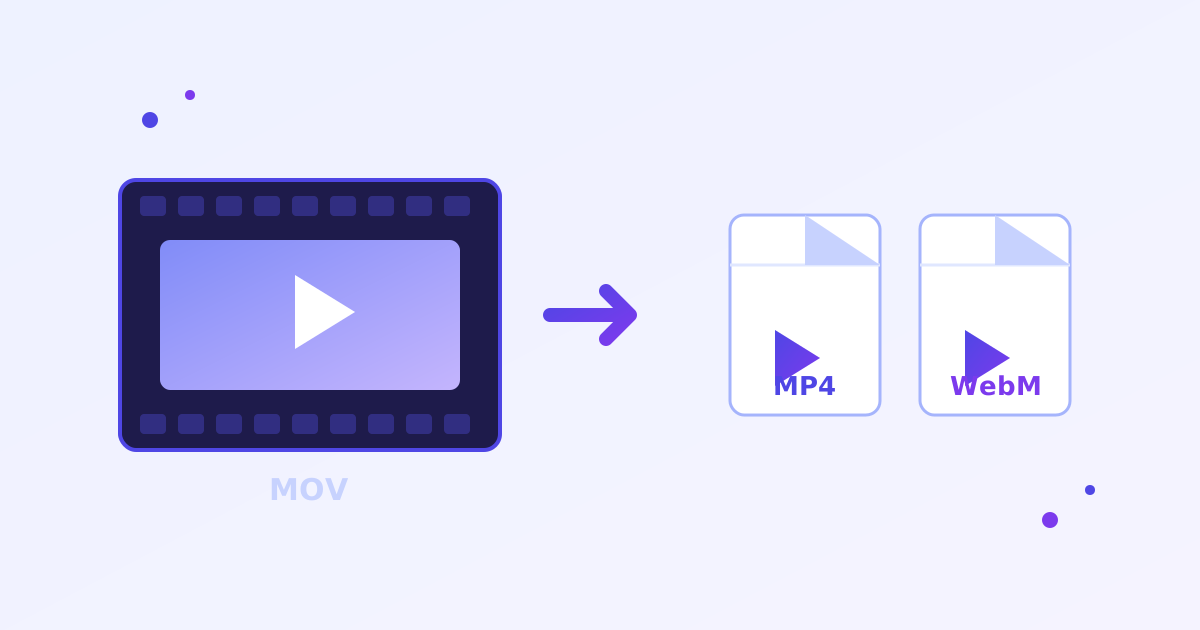
Free Video Converter - No Signup, No Limits
Video Converter is a free online tool that converts MP4, MOV, WebM, MKV and AVI videos to MP4 (H.264), WebM (VP9), MP3 or WAV using the FFmpeg engine in your browser. Free and unlimited with no account, no watermark, no daily caps, and your videos never uploaded anywhere.
Key takeaways
- Converts between MP4 (H.264), WebM (VP9), MP3 and WAV, from MP4, MOV, WebM, MKV and AVI inputs.
- Powered by the open-source FFmpeg engine running in your browser via WebAssembly.
- The first run downloads a ~25 MB engine; afterwards it is cached for instant starts.
- Free and unlimited with no signup, no watermark and no daily caps.
Drop a video here or click to browse
MP4, MOV, WebM, MKV, AVI · one file at a time · max 500 MB · processed locally
Starting…
⚠️ Conversion failed.
How does this free video converter work?
Drop a video into the tool and choose an output format such as MP4, WebM, MP3 or WAV, plus a quality preset. The FFmpeg engine, running entirely inside your browser tab, re-encodes the file locally, and you then download the converted result. Nothing is ever uploaded to a server.
The first run downloads the FFmpeg engine, about 25 MB, which your browser then caches. Quality presets are simple: High keeps near-original quality at a larger size, Medium is the balanced default, and Small shrinks the file aggressively.
Which video format should I convert to?
Choose MP4 with H.264 for maximum compatibility, since it plays on every phone, browser and smart TV. Pick WebM with VP9 when you want smaller files for the web, and MP3 or WAV when you only need the audio track pulled out of a video.
Inputs accepted are MP4, MOV, WebM, MKV and AVI. Any modern desktop or mobile browser with WebAssembly works: Chrome, Edge, Firefox and Safari 16.4 or newer.
How do I convert a video to MP4?
- Drop your video file into the converter.
- Choose MP4 (H.264) as the output and pick a quality preset.
- Wait while FFmpeg re-encodes the video in your browser.
- Download your converted MP4 file.
Frequently asked questions
Is this video converter really free and unlimited?
Yes. No signup, no watermark, no daily caps, no locked features. It uses the open-source FFmpeg engine running entirely in your browser, so there is no server cost to throttle you on - unlike CloudConvert (25 free conversions/day) or Zamzar (2 files/day).
Are my videos uploaded to a server?
No. Conversion happens locally on your device inside your browser tab. Your videos never leave your computer - they can't be stored, viewed, or leaked by us. This also means it works on private or sensitive footage.
Which formats are supported?
Input: MP4, MOV, WebM, MKV, AVI.
Output: MP4 (H.264), WebM (VP9), MP3 or WAV audio. Files are capped at 500 MB because the whole video is held in memory during conversion.
Why is the first conversion slow to start?
The first run downloads the FFmpeg engine (about 25 MB). It's cached by your browser afterwards, so later conversions start instantly. Actual conversion speed depends on your device - a desktop converts several times faster than a phone.
What do the quality presets mean?
High keeps near-original quality at a larger size; Medium is the balanced default; Small squeezes the file down with some visible quality loss. For audio, they map to 256 / 192 / 128 kbps MP3.
Which browsers are supported?
Any modern desktop or mobile browser with WebAssembly: Chrome, Edge, Firefox, Safari 16.4+. Very old browsers may not load the converter engine.