
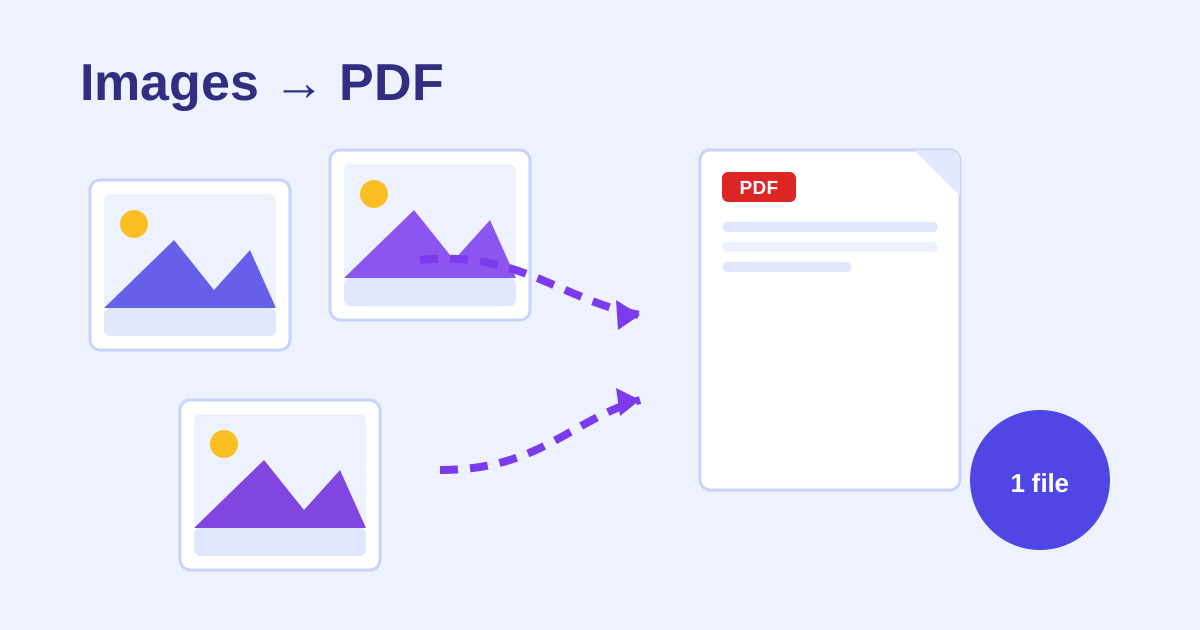
An images-to-PDF converter is a free online tool that combines photos and scans into a single PDF. Drop unlimited JPG, PNG or WebP files, reorder them, pick A4, Letter or fit-image pages, and download a clean PDF with no watermark.
Drop images here or click to choose files
JPG, PNG, WebP - select as many as you like. Everything stays on your device.
Pages (use arrows to reorder)
How to use the Images to PDF Converter in 4 steps
- Drop your JPG, PNG or WebP images into the upload area.
- Reorder pages with the arrow buttons.
- Pick page size, orientation and margins.
- Click Create PDF and download.
How do I combine multiple images into one PDF for free?
Drop all your JPG, PNG or WebP images into the upload area and reorder them with the arrows. Choose a page size (fit-image, A4 or Letter), orientation and margins, then click Create PDF. Your images are embedded at original resolution into one clean PDF with no watermark.
WebP images are converted internally so they embed correctly, and you can mix JPG, PNG and WebP in a single document.
Will converting images to PDF reduce their quality?
No. This tool embeds each image at its original resolution and never re-compresses it, so the PDF pages look exactly like your source files. What you see in the original photo or scan is what lands in the PDF, whether you pick fit-image, A4 or Letter pages.
Fit-image mode keeps each page exactly the image’s dimensions, which is ideal for photos, while A4 and Letter suit documents, IDs and receipts.
Frequently asked questions
Is there a limit on the number of images?
No. Many sites cap free conversions at a couple of tasks per day. This tool runs fully in your browser, so combine as many images as you like.
Are my photos uploaded anywhere?
No. Images are read and assembled into the PDF locally on your device. Nothing is sent to any server.
Which page size should I pick?
"Fit image" keeps each page exactly the image's dimensions - best for photos. A4 or Letter fit each image onto a standard page with your chosen margin - best for documents, IDs and receipts.
Will image quality be preserved?
Yes - images are embedded at their original resolution. The PDF is not re-compressed.
Can I mix JPG, PNG and WebP?
Yes. WebP images are converted internally so they embed correctly in the PDF.
Does the PDF have a watermark?
No. The PDF is clean - no branding, no watermark, no footer added.