
Free Video Compressor - Hit Any Target Size
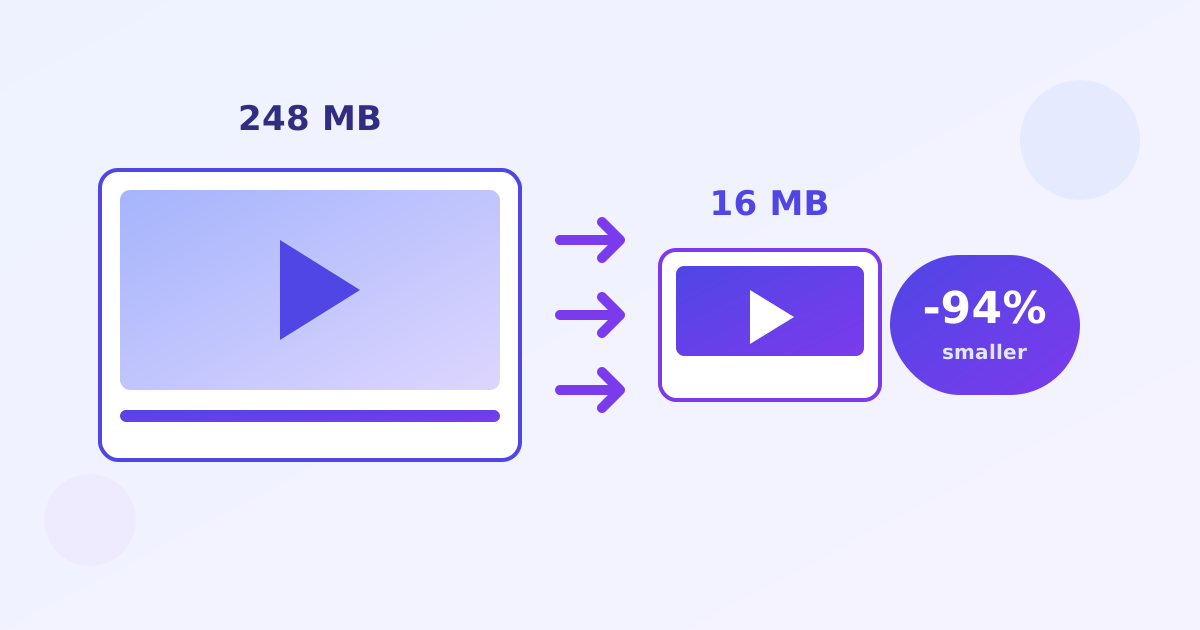
Video Compressor is a free online tool that shrinks any video to an exact MB target, with handy presets like 25MB for Discord and 16MB for WhatsApp. It uses the FFmpeg engine in your browser to calculate the exact bitrate needed, free and unlimited, with no watermark and no upload.
Key takeaways
- Hits any target size by calculating the exact video bitrate from your video’s duration.
- One-click presets: 25MB for Discord, 16MB for WhatsApp, plus custom sizes.
- Very long videos may not fit tiny targets without visible quality loss.
- Free, unlimited and private: FFmpeg runs in your browser, nothing is uploaded.
Drop a video here or click to browse
MP4, MOV, WebM, MKV, AVI · one file at a time · max 500 MB · processed locally
Starting…
⚠️ Compression failed.
How does target-size video compression work?
The tool reads your video’s duration, then divides your target size by that duration to calculate the exact bitrate that will land at or just under the size you asked for. FFmpeg then re-encodes the video at that bitrate, so you get a predictable file size instead of guessing quality settings.
A slice of the budget is reserved for audio so speech stays clear. Very long videos cannot always squeeze into a tiny target without becoming unwatchable, in which case trimming the video first helps more than compressing harder.
How do I compress a video for Discord or WhatsApp?
Pick the Discord 25MB or WhatsApp 16MB preset, drop your video in, and download the compressed result. Discord caps free uploads at 25MB and WhatsApp at 16MB, so hitting those exact sizes means your video sends on the first try instead of bouncing back with an error.
If the compressed video looks too soft, the source was probably very long or very detailed. Try the next size up, or trim out unneeded sections before compressing.
How do I shrink a video to 25MB?
- Drop your video into the compressor.
- Choose the Discord 25MB preset, the WhatsApp 16MB preset, or a custom MB target.
- Wait while FFmpeg re-encodes at the calculated bitrate.
- Download your video at the exact target size.
Frequently asked questions
Is this video compressor really free and unlimited?
Yes. No signup, no watermark, no daily caps. It uses the open-source FFmpeg engine running entirely in your browser, so there's no server cost to throttle you on - unlike Clideo, VEED or Kapwing, which stamp a watermark on free exports unless you pay $9–16/month.
Are my videos uploaded to a server?
No. Compression happens locally on your device inside your browser tab. Your videos never leave your computer - they can't be stored, viewed, or leaked by us.
How does target-size compression work?
We read your video's duration, then calculate the exact video bitrate needed to land at (or under) your target size, and re-encode with it. Audio is kept at 128 kbps AAC. Output is always MP4 (H.264), which plays everywhere.
What if my video can't reach the target size?
Very long videos can't always squeeze into a tiny target without becoming unwatchable. In that case we encode at the minimum sensible quality and tell you honestly what size was achievable - you'll always get the smallest possible file, never a failure.
Why is the first compression slow to start?
The first run downloads the FFmpeg engine (about 25 MB). It's cached by your browser afterwards, so later compressions start instantly. Encoding speed depends on your device - a desktop is several times faster than a phone. Files are capped at 500 MB because the whole video is held in memory.
Which browsers are supported?
Any modern desktop or mobile browser with WebAssembly: Chrome, Edge, Firefox, Safari 16.4+. Very old browsers may not load the engine.