
Key takeaways
- Trim start and end, crop to 16:9, 9:16 or 1:1, rotate and mute, all in your browser.
- Exports MP4 (H.264) at high quality (CRF 23) in your source resolution.
- No length caps from us; practical limits are your device’s memory.
- Free and unlimited with no signup, no watermark; videos never leave your device.
Trim a video
ClipCut is a free online video trimmer that cuts, crops and rotates videos in your browser with 16:9, 9:16 and 1:1 presets for YouTube, TikTok and Instagram. No signup, no watermark, no length caps, and your videos never leave your device.
Drop a video below. Trim the start & end, crop to any aspect ratio, rotate, mute - then export. Free, unlimited, no account.
Drop a video here or click to browse
MP4, WebM, MOV · processed locally on your device
- First use downloads a ~25 MB video engine (ffmpeg.wasm) - needs internet once, then it's cached. We load it in the background while you set up your trim.
- Export re-encodes your video, so long or 4K videos take a while - especially on phones. Keep the tab open during export.
- Very large files (over ~500 MB) may strain low-memory devices.
Edit
✂️ Trim - 0:00.0 → 0:00.0
🖼️ Crop
No crop - full frame is kept. Pick an aspect ratio to crop, then drag the box to reposition it.
⚙️ More options
Working on it…
Loading…
⚠️ Something went wrong
The video engine failed to load.
Tip: this usually means the ~25 MB engine download was interrupted. Check your connection and retry.
Done! Preview your video
How do I trim a video online without a watermark?
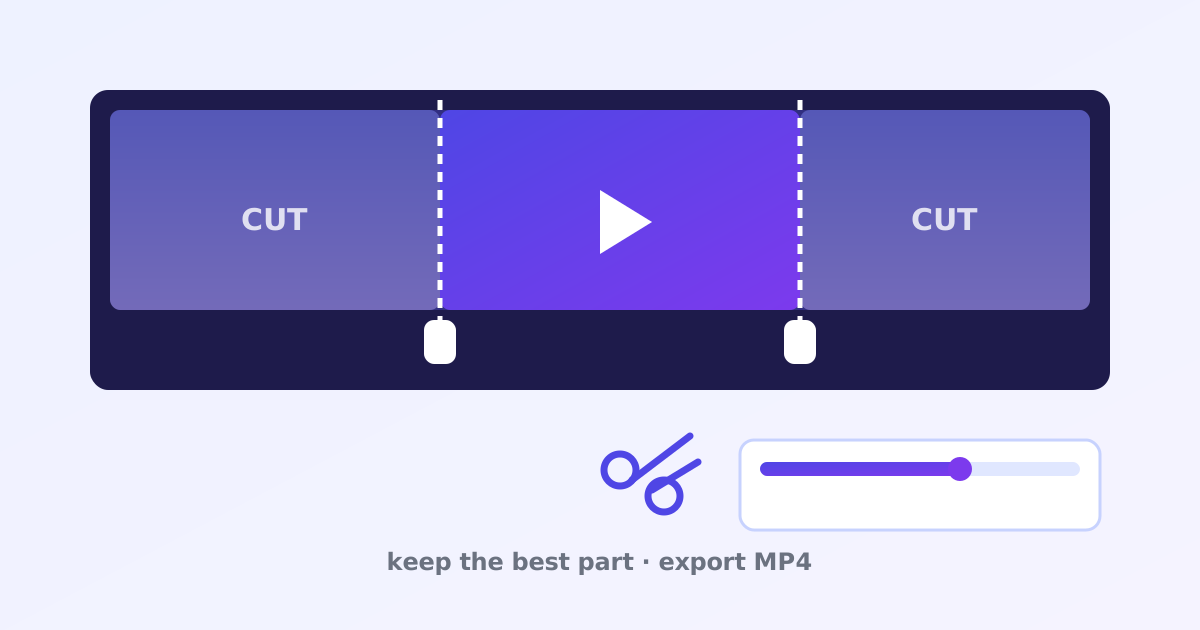
Drop your video into ClipCut, drag the timeline handles to set the new start and end points, and export. The trimmed MP4 downloads at high quality (CRF 23) in your source resolution, with no watermark, no account and no length caps slowing you down.
You can also crop to 16:9, 9:16 or 1:1 presets for YouTube, TikTok and Instagram, rotate the footage and mute the audio. The first use downloads a ~25 MB video engine that your browser caches for later.
What video formats can I trim?
You can trim MP4, WebM and MOV files, and the export is always MP4 with H.264 video, which plays on every device and platform. Chrome and Edge on desktop work best, Firefox works too, and mobile browsers handle short clips best because of memory limits.
There is no cap on video length from us. Practical limits come from your device’s memory and patience: very long 4K videos take a while to process in a browser tab.
How do I cut a video in seconds?
- Drop your video into ClipCut.
- Drag the trim handles to set the start and end, and crop or rotate if needed.
- Export the clip; it renders as MP4 (H.264) at high quality.
- Download your trimmed video.
Frequently asked questions
Is it really free and unlimited?
Yes. No signup, no watermark, no length limits and no capped exports - unlike tools that watermark your video or limit free trims per day. Everything runs on your device, so there's no per-video server cost to pass on to you.
Are my videos uploaded anywhere?
No. The video engine (ffmpeg.wasm) downloads once from a CDN and then runs 100% in your browser. Your footage never leaves your device.
Why is the first use slow?
The first run downloads a ~25 MB video engine. After that your browser caches it, so later trims start almost instantly. Export itself re-encodes the video, which takes longer for long or high-resolution clips.
What output quality do I get?
MP4 (H.264) at high quality (CRF 23) with your source resolution, cropped/rotated as you set. Audio is kept as AAC unless you mute it.
Is there a maximum video length?
No cap from us. Practical limits are your device's memory and patience - very long 4K videos re-encode slowly on phones.
Which browsers work best?
Chrome and Edge on desktop work best. Firefox works too. Mobile browsers can trim short clips but may struggle with large files.