
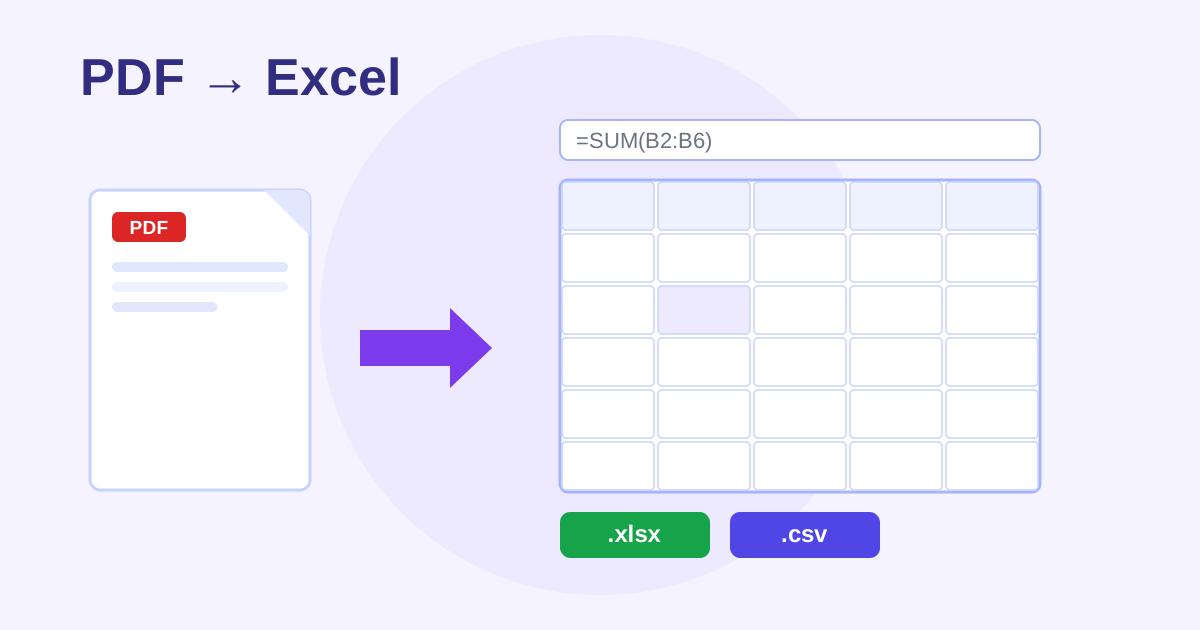
A PDF to Excel converter is a free online tool that extracts tables from PDFs into editable spreadsheets. It reads text positions inside your PDF, groups words into rows and columns, shows an editable preview grid, and downloads a real .xlsx workbook or CSV, with no signup and no daily caps.
1. Upload a PDF
Drop a PDF here or click to browse
Best with digital PDFs that contain real tables (bank statements, invoices, reports).
How to use the PDF to Excel Converter in 4 steps
- Drop a PDF with real tables into the upload area.
- Choose which pages to convert.
- Review the preview grid and click any cell to fix it.
- Download the .xlsx workbook or CSV.
How do I convert a PDF table to Excel for free?
Drop a PDF with real tables, like a bank statement or invoice, into the upload area. Choose the pages to convert, then review the preview grid and click any cell to fix mistakes. Download a real .xlsx workbook (one sheet per page) or a CSV. There are no daily caps, so a 200-page statement converts in one go.
Each selected PDF page becomes its own sheet in the workbook, and the CSV download stacks all pages with a page header row.
Can I extract tables from a scanned PDF?
No. Scanned PDFs and photos contain no selectable text, so there is nothing for the table detector to read. Convert scanned pages with an OCR tool first to create a text layer, then run the result through this converter. It works best on clean digital tables like bank statements, invoices and reports.
For clean tables the coordinate-based detection is very good, and unlike paywalled tools there are no 2-tasks-per-day limits on statement runs.
Frequently asked questions
How does the table detection work?
It reads the text positions inside your PDF and groups words into rows and columns by their coordinates - a rule-based approach that works well on clean digital tables like bank statements, invoices, and reports. Always review the preview grid before downloading; cells are editable with one click.
Will it work on scanned PDFs or photos?
No - scanned or image-based PDFs contain no selectable text, so there is nothing to extract. Convert those with an OCR tool first (coming soon to ZeroFee Tools), then run the result through this converter.
Is it as accurate as Adobe Acrobat?
Honestly, no. Adobe uses proprietary layout AI; this tool uses transparent coordinate rules. For clean tables it's very good - and unlike Smallpdf/iLovePDF there are no 2-tasks-per-day limits and no paywall. For a 200-page statement run, unlimited free beats a daily quota.
Is my PDF uploaded anywhere?
No. Everything runs 100% in your browser with JavaScript (pdf.js + SheetJS). There is no server, so your statements and invoices never leave your device.
What do I get in the Excel file?
A real .xlsx workbook - one sheet per PDF page you selected, with your edits applied. The CSV download contains all pages stacked with a page header row.
Why is it free and unlimited?
Because it costs us nothing to run - all the work happens on your own device, not on our servers. No accounts, no watermarks, no caps.