
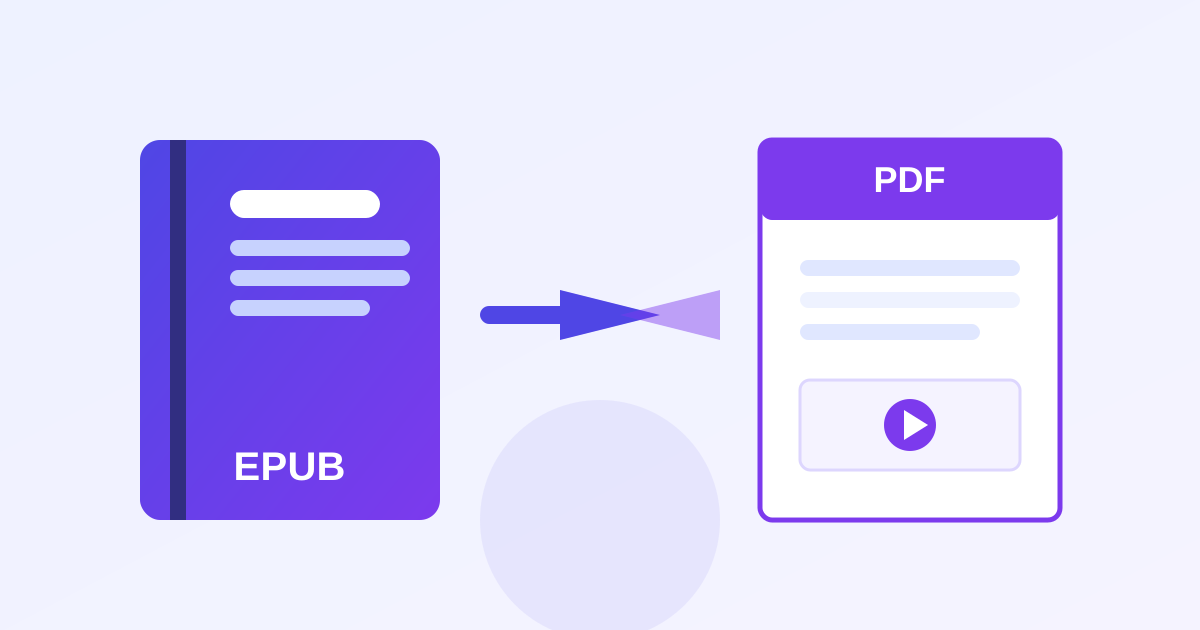
ZeroFee Tools' free eBook converter is an online format converter for ebooks: EPUB to PDF, EPUB to plain text, and plain text to EPUB. Convert unlimited books with no signup, no install and no daily caps; your files never leave your device.
Convert your eBooks in seconds
Zamzar caps you at 2 conversions a day - here it's unlimited. Everything runs in your browser, so your books stay private.
EPUB to PDF
Great for sending books to Kindle ("Send to Kindle" accepts PDF) or printing.
Your PDF download will appear here.
EPUB to plain text
Extract all the text - handy for quoting, searching or re-formatting.
Your TXT download will appear here.
Plain text to EPUB
Turn a manuscript or notes into a proper eBook for your reader app.
- or paste text below -
Your EPUB download will appear here.
Honest notes
About MOBI / AZW3: we deliberately don't offer EPUB→MOBI or AZW3. Those are proprietary Amazon formats that can't be generated reliably in a browser - any site claiming one-click client-side MOBI is faking it with a server. The honest path: convert to PDF here and use Amazon's free "Send to Kindle", which accepts PDF and EPUB directly.
EPUB→PDF keeps your text and chapter structure; complex fixed-layout books (comics, textbooks with heavy design) convert as readable text but won't preserve the original page design. DRM-protected books (most Kindle/Adobe purchases) can't be converted by any legitimate tool - that's by design.
Frequently asked questions
Is there really no daily limit on this eBook converter?
Correct. Zamzar gives you 2 conversions a day, Convertio 10: we give you unlimited, because your own device does the work instead of our servers.
Do my books get uploaded anywhere?
No. The EPUB is parsed and converted locally in your browser. Your books never leave your device.
Will the PDF look exactly like the EPUB?
Not exactly. EPUB is reflowable and PDF is fixed-layout, so the converter renders a clean snapshot of the text. Expect clean, readable pages rather than a pixel-perfect replica of the ebook's styling.
Can I convert Kindle books I bought?
Only if they are DRM-free. Kindle store books are protected by DRM, which this tool cannot and will not remove. DRM-free EPUBs and public-domain books convert fine.
Why is there no MOBI download?
Modern Kindles read EPUB natively (via Send to Kindle), so MOBI is obsolete. EPUB output covers ereaders; PDF covers print.
The TXT-to-EPUB conversion split my book oddly. Why?
The chapter-splitting heuristic guesses chapter breaks from your text's headings, and unusual formatting can confuse it. It is a formatting guess, not data loss: your original file is untouched.