
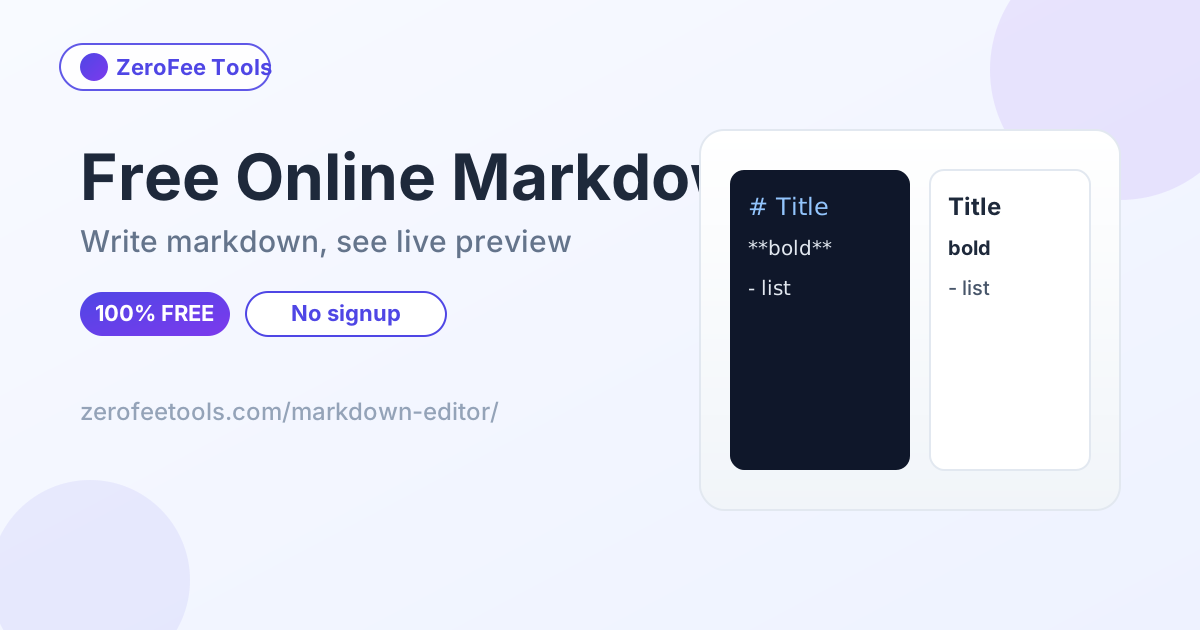
A markdown editor is a free online tool for writing in markdown with a live HTML preview beside your text. It renders headings, bold, italic, lists, links, code and blockquotes as you type, shows a live word count, and lets you download your work as .md or .html.
How do I write markdown online?
Short answer: Type markdown syntax into the left pane: # for headings, **bold** and *italic* for emphasis, - for bullet lists, [text](url) for links and backticks for code. The right pane renders it as HTML instantly, so you see exactly what readers will see. When finished, download your work as a .md file or a ready-to-publish .html file.
Markdown is plain text, so your document stays readable and portable forever. It is the standard format for README files, documentation, blog drafts and notes apps, and this editor needs no account or installation.
What markdown syntax is supported?
Short answer: The editor supports headings (# through ######), bold, italic, inline code, fenced code blocks, bullet and numbered lists, links, images, blockquotes and horizontal rules. The preview renders all of these live instantly as you type, with syntax-highlighted styling for code blocks.
Tables and footnotes are not supported in this lightweight editor. For those advanced features, write the markdown here for drafting and convert it with a full markdown processor, or use the Markdown to HTML tool for the basics.
Can I download my markdown as HTML?
Short answer: Yes. Click Download .html to get a complete standalone HTML document with your rendered content inside a proper page structure. Click Download .md to save the raw markdown source for editing later. Both files are generated in your browser, so nothing is uploaded.
The HTML download is handy for publishing: paste the body content into a blog or CMS, or open the file directly in a browser to print or share it. The markdown download keeps your source portable for GitHub, notes apps and documentation sites.
Frequently asked questions
Is this markdown editor free?
Yes, free and unlimited. Write and preview as much markdown as you like with no account.
Do I need to know markdown?
A little helps, but the sample document demonstrates the main syntax. Click Load sample to see headings, lists, links and code in action.
Can I use it offline?
The page must load once, but after that all editing and previewing runs locally in your browser.
Is my writing saved anywhere?
No. Your text lives only in the page. Download the .md file to keep your work, since refreshing the page clears the editor.
What is the difference from Markdown to HTML?
This editor is for writing with a live preview. Markdown to HTML is for converting existing markdown text into HTML code you can copy.