
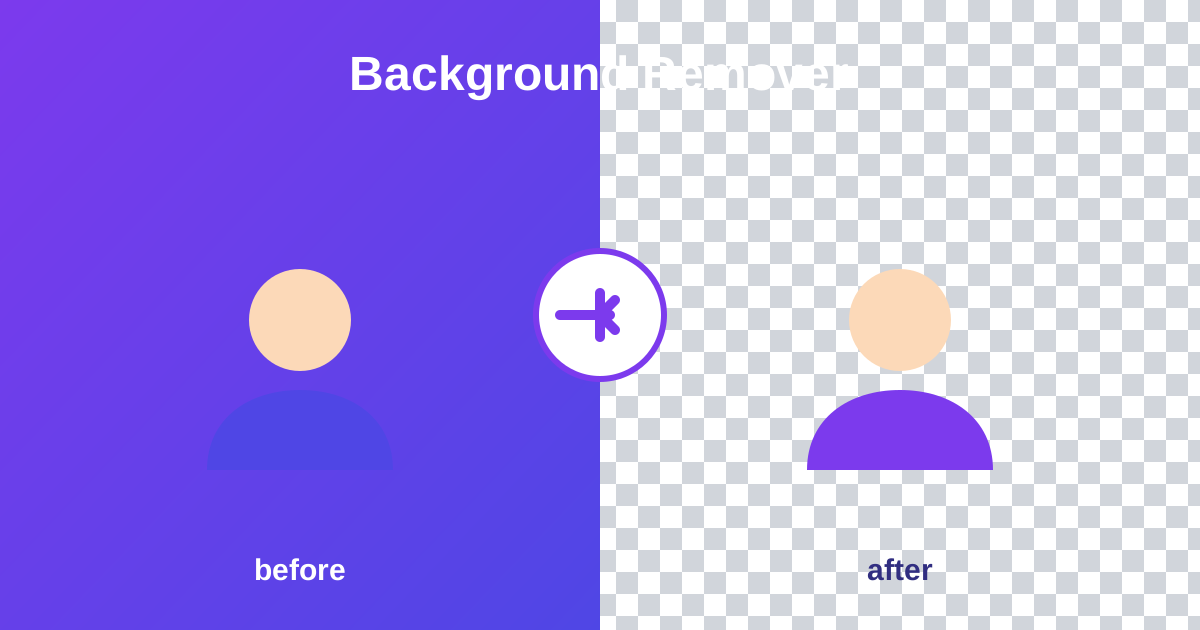
A background remover is a free online tool that uses AI to cut the subject out of a photo and replace the background with transparency. BGone runs the AI model entirely in your browser, exports a full-resolution transparent PNG, and never uploads your photos.
Remove a background
Drop a photo below. AI cuts out the subject and gives you a transparent PNG - free, unlimited, no account.
Drop an image here or click to browse
JPG, PNG, WebP · processed locally on your device
- First use downloads a ~40 MB AI model - needs internet and can take a minute. After that it's cached and much faster.
- Works best on photos with a clear subject (person, product, pet) against a distinguishable background.
- May be slow on low-end phones - everything runs on your device, nothing is uploaded.
Working on it…
Loading…
⚠️ Something went wrong
The AI model failed to load.
Tip: this usually means the model download was interrupted. Check your connection and retry - the download resumes from cache.
Done! Drag the slider to compare
The checkerboard pattern shows transparency. Your PNG has a fully transparent background.
How to use the Background Remover in 4 steps
- Drop a photo into the upload area.
- Wait while the on-device AI cuts out the subject.
- Drag the slider to compare before and after.
- Download the transparent PNG.
How do I remove the background from a picture for free?
Drop a JPG, PNG or WebP photo into the upload area and wait for the on-device AI to cut out the subject. Drag the comparison slider to check the edges, then download a transparent PNG at your original resolution. The first run downloads a ~40 MB AI model; after that it is cached and much faster.
It works best on photos with one clear subject, like a person, product or pet, against a reasonably distinct background.
Why is the first background removal slow?
The first run downloads a ~40 MB AI model plus supporting files, which needs an internet connection and can take a minute. Your browser then caches the model, so later removals start almost instantly. Everything, including the AI, runs on your device: nothing is uploaded, which is also why the tool is free and unlimited.
Because the AI runs on your device instead of a server, there is no per-image cost: that is what makes unlimited free removals possible.
Frequently asked questions
Is it really free and unlimited?
Yes. No signup, no watermark, no monthly caps (unlike tools that give you 1 free image and then charge per image). The AI runs on your device, so there's no per-image server cost to pass on to you.
Are my photos uploaded anywhere?
No. Everything - including the AI model - runs 100% in your browser. Your photos never leave your device.
Why is the first use slow?
The first run downloads a ~40 MB AI model plus supporting files. After that your browser caches them, so later removals start almost instantly.
What kinds of images work best?
Photos with one clear subject - a person, product, or pet - against a reasonably distinct background. Very busy backgrounds or fine wispy edges (like flyaway hair against similar tones) are the hardest cases for any background remover.
What format do I get?
A PNG with a transparent background, at your original image's resolution - ready for product listings, thumbnails, presentations, or design tools.