
Key takeaways
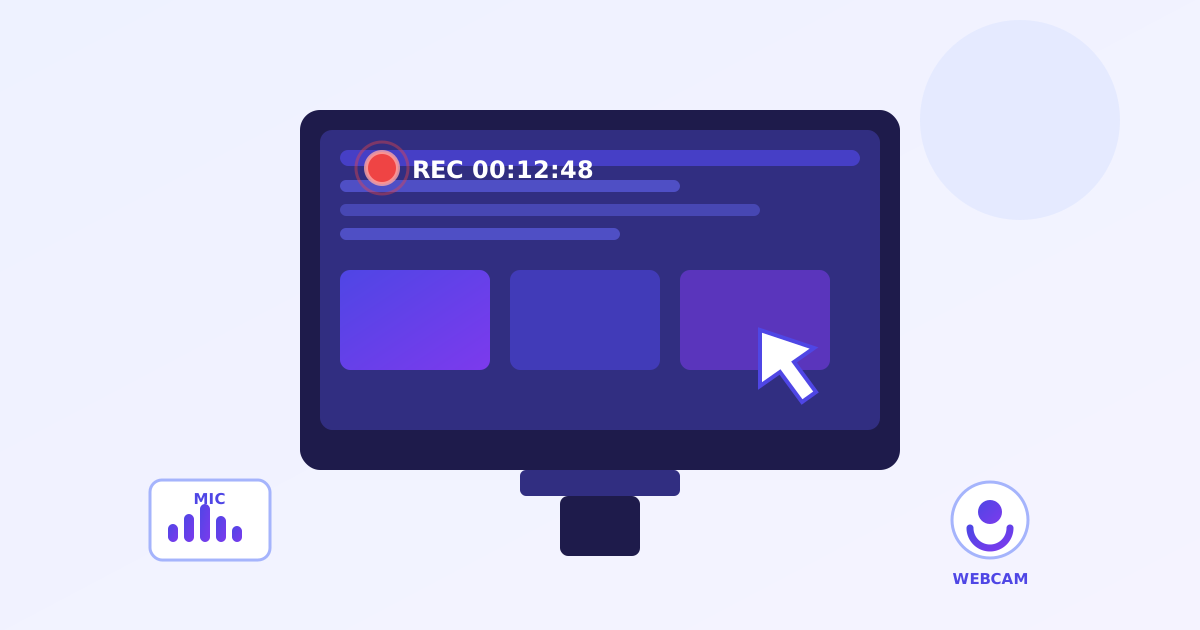
- Records screen, window or tab with optional mic audio and webcam bubble.
- No time limits, unlike Loom’s free 5-minute cap; record as long as you need.
- Downloads WebM (VP9/VP8) or MP4 depending on your browser; no cloud upload.
- Free forever with no signup and no watermark on your recordings.
Record your screen
Reely is a free online screen recorder that captures your screen, a window or a browser tab with optional microphone and webcam bubble, right in your browser. No signup, no watermark, no 5-minute cap, and recordings download straight to your device.
Capture your screen, a window, or a browser tab - with optional microphone and webcam bubble. Unlimited length, no watermark, no account.
After clicking, your browser will ask what to share - pick a screen, window, or tab, then press “Share”.
- System audio: Chrome captures it when you share a tab and tick “Share tab audio”. Sharing a window or full screen usually carries no audio - your browser decides, not us. If no system audio arrives, we'll tell you and keep recording.
- Safari: screen recording works in recent Safari, but system-audio capture isn't available and format support is limited. Chrome or Edge is recommended for the full experience.
- Recordings are saved as WebM (MP4 where your browser supports it). Very long recordings make large files - keep an eye on disk space.
- Everything is processed on your device. Nothing is uploaded, so there's no cloud link - your file downloads when you stop.
Recording 0:00
Capturing…
Tip: if you pressed your browser's “Stop sharing” button instead, the recording stops automatically and your file is still saved.
⚠️ Couldn't start recording
Permission was denied.
- Click Start recording again.
- In the browser picker, choose what to share (entire screen, a window, or a tab).
- Press Share - don't press Cancel or Esc.
- For system audio in Chrome: share a tab and tick “Share tab audio” at the bottom of the picker.
- For microphone / webcam: allow camera & mic when the browser asks.
Done! Here's your recording 🎉
How do I record my screen with no time limit?
Choose what to share, your full screen, a window or a browser tab, tick the microphone and webcam options if you want them, then hit record. There is no 5-minute cap and no limit on the number of recordings; when you stop, the file downloads straight to your device.
System audio capture depends on your browser and what you shared: in Chrome, tick Share tab audio in the picker when sharing a tab. Pause freezes the recording and the timer, and resume continues the same file.
Where do my screen recordings go?
Nowhere but your device. There is no upload and no cloud link: when you stop recording, the video downloads directly to your computer. That also means there is nothing to delete later and no account that could ever leak your recordings.
The download format is whatever your browser supports best, usually WebM with VP9 or VP8, and MP4 where supported. Recent Safari on Mac can record the screen, but system-audio capture is not available there.
How do I record my screen?
- Tick the microphone, system audio and webcam options you want.
- Click record and choose your screen, a window or a browser tab.
- Pause and resume as needed while you present or demonstrate.
- Stop the recording and download the WebM file.
Frequently asked questions
Is it really free with no time limit?
Yes. No signup, no watermark, no 5-minute cap like Loom's free plan, and no limit on how many recordings you make. Recording happens entirely in your browser, so there's no server cost per video to pass on to you.
Where do my recordings go?
Nowhere but your device. There is no upload and no cloud link - when you stop, the file downloads straight to your computer. If you need to share it, upload the file to YouTube, Drive, or anywhere you like.
Why is there no system audio in my recording?
Whether system audio is captured is decided by your browser and what you shared. In Chrome, share a tab and tick “Share tab audio” in the picker. Full-screen and window shares usually carry no audio. We'll warn you during recording if no system audio arrived.
What format is the download?
We pick the best format your browser supports - usually WebM (VP9/VP8), MP4 where supported. WebM plays in Chrome, Edge, and Firefox; on iPhone, use VLC or convert it.
Does it work on Safari / iPhone?
Recent Safari on Mac can record the screen, but system-audio capture isn't available and format support is limited. Chrome or Edge on desktop gives the full experience (system audio + mic + webcam bubble).
Can I pause while recording?
Yes - the pause button freezes the recording and the timer. Resume continues the same file, so you get one clean video.