
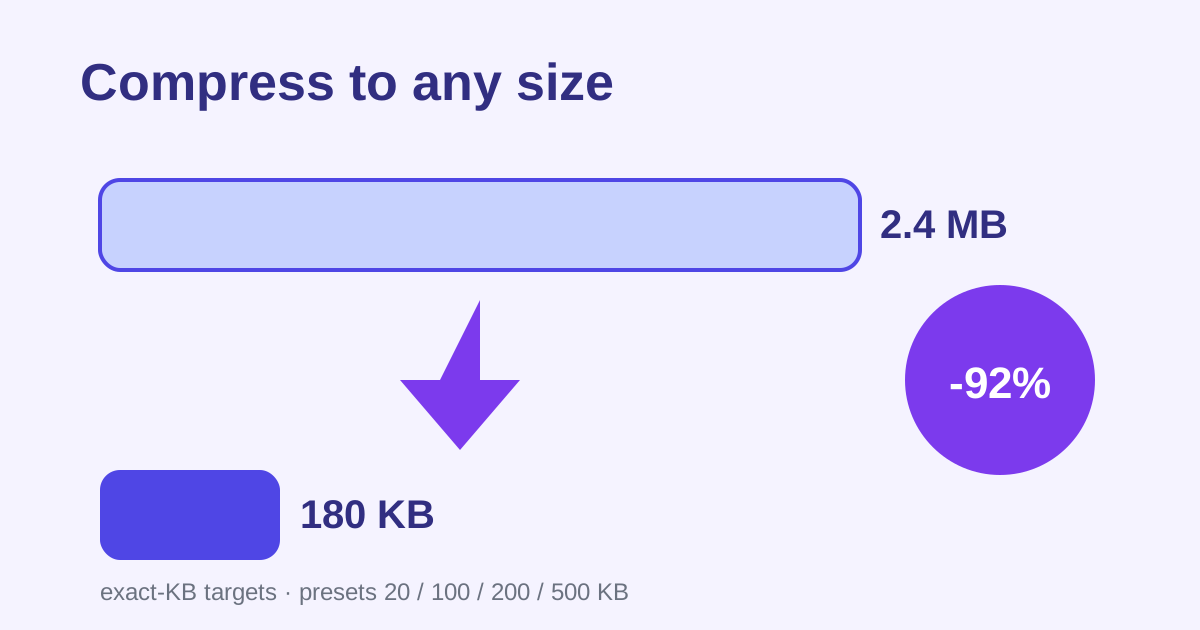
Compress Image to an Exact File Size - Free
Compress Image is a free online tool that shrinks any photo to an exact KB target, for example 100KB or 200KB for job portals, university admissions and visa applications. It binary-searches the perfect quality setting to land within ±5% of your target, free and unlimited, with your photos never leaving your device.
Key takeaways
- Hits any target size, for example 100KB or 200KB, within ±5% using a 14-pass binary search on quality.
- Choose JPEG for forms and portals, WebP for the smallest file at the same quality.
- Always picks the highest quality that still reaches your target size.
- Private and unlimited: compression runs on your device, no signup, no watermark.
Drop images here or click to browse
JPG, PNG, GIF (first frame), BMP, WebP · up to 20 files at once · processed locally
⚠️ Your browser can't encode WebP - WebP output is disabled. Use Chrome, Edge or Firefox for WebP.
Tip: portals usually demand JPEG - pick WebP only when the form accepts it. "Download all" may ask your browser's permission once for multiple downloads.
How does the exact-KB compression work?
The tool runs a binary search over JPEG or WebP quality, testing 14 quality levels between 5% and 95% to find the highest setting whose output lands within ±5% of your target size. If your photo is already smaller than the target, it tells you instead of pointlessly inflating the file.
Binary search beats guessing because file size does not scale linearly with quality. The search always picks the highest quality that still reaches your target, so you get the best-looking photo that fits the limit.
What photo size do job portals and visa forms usually need?
Most government job portals, exam forms and visa applications ask for photos between 20KB and 200KB, often exactly 100KB for the photo and around 50KB for the signature. Always read the official instructions first, then type that number into the target field and download the result.
Choose JPEG output for forms and portals because it is accepted everywhere; WebP gives a smaller file at the same quality but some older systems reject it. Also check the required photo dimensions, since size limits and dimension limits are enforced separately.
How do I compress a photo to 100KB?
- Upload your photo by dropping it into the tool.
- Type your target size, for example 100, into the KB field.
- Choose JPEG for forms and portals, or WebP for the smallest file.
- Download the compressed photo, which lands within ±5% of your target.
Frequently asked questions
Why would I need an exact file size?
Government job portals, university admissions, visa applications and exam forms across the world enforce strict upload limits - e.g. "photograph must be under 100 KB" or "between 20–50 KB". Uploads even 1 KB over get rejected. This tool hits your target within ±5% automatically.
How does it reach the exact size?
It binary-searches JPEG/WebP quality (14 passes between 5%–95%) to find the setting whose output lands closest to your target. If even the lowest quality is too big, it gently reduces the image dimensions and retries - and tells you the final dimensions.
What if my target can't be reached?
Two cases: if your image is already smaller than the target, no quality setting can inflate it - you'll get maximum quality with a note. If it's far too large, dimensions are reduced step by step until the target is reachable. You always see the final exact size before downloading.
JPEG or WebP - which should I choose?
JPEG for forms and portals - it's accepted everywhere. WebP gives a smaller file at the same visual quality, but many upload forms don't accept it yet. When in doubt, choose JPEG.
Is it really free? Are my photos uploaded?
Yes to free and unlimited - no signup, no watermark. And no: all compression happens in your browser with the canvas API. Your photos never leave your device.
Will compression ruin my photo quality?
The tool always picks the highest quality that still hits your target, so you get the best possible image at that size. For typical targets (50–200 KB) from a phone photo, the result looks clean at document sizes.