
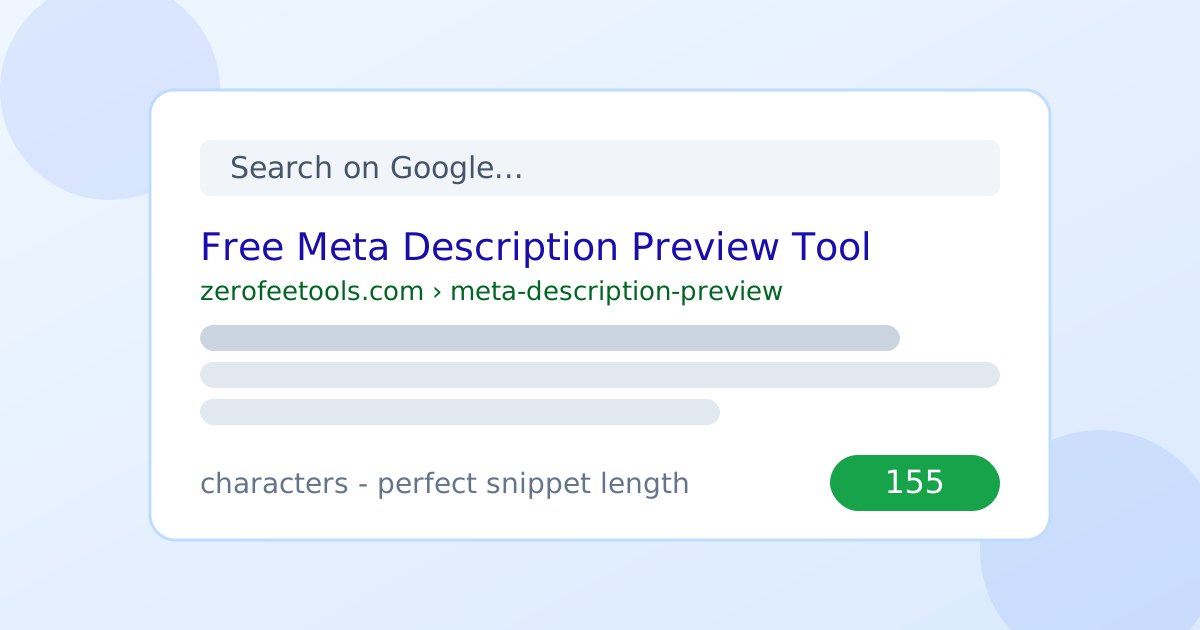
A meta description preview tool is a free online SEO utility that shows how your meta description will look in Google search results. Type your description to see a live desktop and mobile SERP preview, with a character counter and a 150-160 guidance bar that tells you when the length is right.
Live Google-style SERP preview
How long should a meta description be?
Aim for 150 to 160 characters. Google typically shows about 155 characters (around 920 pixels) of a meta description on desktop, and less on mobile. Shorter descriptions may look thin next to competitors; longer ones get cut off with an ellipsis, which can hide your call to action. The guidance bar above turns green inside the 150-160 sweet spot.
Write for humans first: include the page's main benefit and a reason to click, and place your most important words early so they survive truncation on small screens.
Do meta descriptions affect Google rankings?
No, meta descriptions are not a direct Google ranking factor. But they strongly affect click-through rate: a clear, benefit-led description wins more clicks from the same ranking position, and higher CTR can indirectly support rankings. Think of the meta description as ad copy for your organic listing, not a keyword field.
Google has confirmed this repeatedly, yet the indirect effect is real: pages with compelling snippets earn more traffic without moving a single ranking position.
Why does Google rewrite my meta description?
Google rewrites the snippet when it thinks your page content answers the query better than your meta description does - this happens on roughly 60% of listings. A well-written, query-relevant description is used more often, but rewrites are normal. Keep descriptions accurate to the page so any rewrite still represents you well.
- Type your page title, URL and meta description into the fields.
- Toggle between desktop and mobile preview widths.
- Watch the character counter and the 150-160 guidance bar.
- Adjust the text until the status shows a perfect length.
Frequently asked questions
Is this meta description preview tool free?
Yes. Preview unlimited meta descriptions with live desktop and mobile SERP rendering, no account and no daily caps. Everything runs in your browser.
What is the ideal meta description length?
Aim for 150 to 160 characters. Google typically shows about 155 characters on desktop and less on mobile. The guidance bar on this page turns green inside the 150-160 sweet spot.
Why does my description show truncated in the preview?
Google cuts descriptions longer than about 155 characters (roughly 920 pixels) with an ellipsis. Shorten the text or move your call to action earlier so it survives the cut.
Does Google always use my meta description?
No. Google rewrites the snippet about 60% of the time, pulling text from the page it thinks matches the query better. Well-written, query-relevant descriptions are used more often.
Do meta descriptions help SEO rankings?
Not directly - they are not a ranking factor. But a compelling description raises click-through rate from the same ranking position, and more clicks are always good for traffic.