
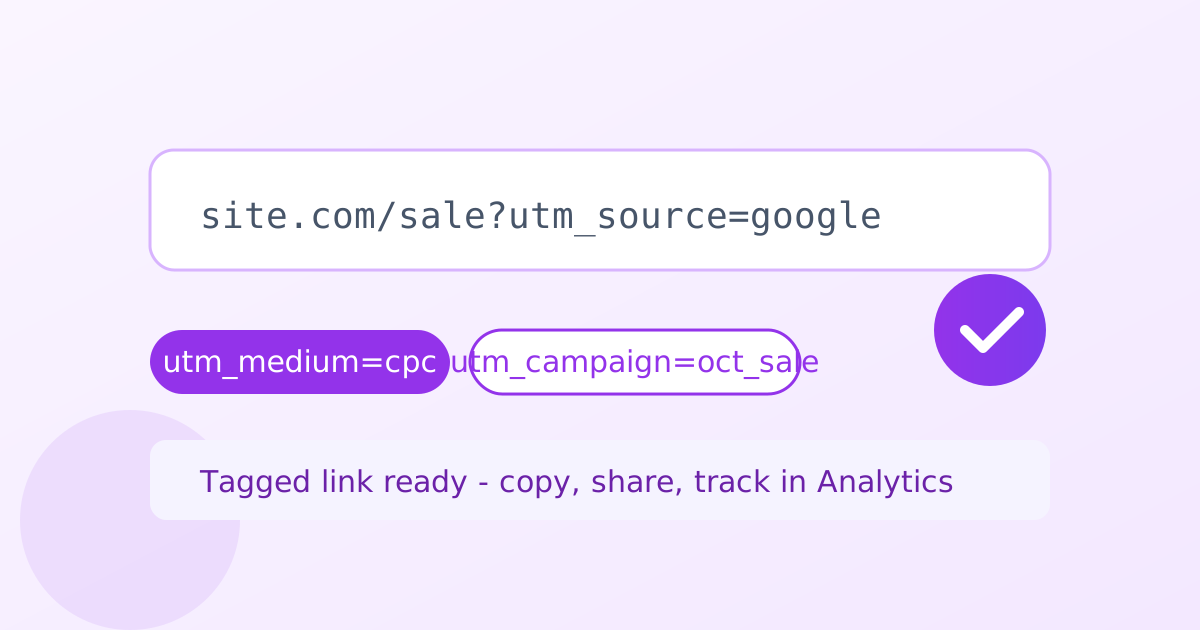
A UTM builder is a free online marketing tool that adds UTM tracking parameters to your URLs. Enter your page link, fill in source, medium and campaign (plus optional term and content), and get a tagged URL that shows exactly which ad, email or post drove each visit in Google Analytics.
Quick presets
Campaign URL history
Saved links appear here (stored only in this browser).
What are UTM parameters?
UTM parameters are short tags added to a URL (utm_source, utm_medium, utm_campaign, utm_term, utm_content) that tell analytics tools where a visitor came from. For example, utm_source=newsletter and utm_medium=email identify clicks from your email campaign. Google Analytics reads them automatically and groups the traffic in its acquisition reports.
The name comes from Urchin Tracking Module, the analytics company Google acquired. The standard has barely changed in twenty years, which makes UTM data wonderfully portable across tools.
How do I track Google Ads clicks without UTMs?
Google Ads can auto-tag clicks with a gclid instead of UTMs, which is simpler for Ads-only tracking. But UTMs are still worth adding when you compare Ads against email, social and organic in one Analytics view, or when you share links outside Google's ecosystem. Use consistent lowercase naming so reports stay clean.
If you use both, Analytics prefers your manual UTMs over auto-tagging for session attribution, so they never conflict.
Should UTMs be used on internal links?
No - never put UTM parameters on links within your own website. They overwrite the visitor's original traffic source in Analytics, so a paid click that later uses an internal UTM-tagged link gets misattributed. UTMs belong only on links that bring people to your site from outside: ads, emails, social posts and partner sites.
- Paste the page URL you want to track.
- Pick a preset or fill in utm_source, utm_medium and utm_campaign.
- Add optional utm_term and utm_content for finer detail.
- Copy the tagged URL and save it to your history.
Frequently asked questions
Is this UTM builder free?
Yes. Build unlimited tagged campaign URLs with no account and no daily caps. Your link history is stored only in your own browser.
Which UTM fields are required?
Use utm_source, utm_medium and utm_campaign on every link. utm_term and utm_content are optional and useful for distinguishing keywords or ad variants.
Are UTM parameters case sensitive?
Yes. Google Analytics treats Email and email as different values, which splits your reports. Stick to lowercase everywhere for clean data.
Should I use UTMs on internal links?
No. UTMs on links inside your own site overwrite the visitor's original traffic source and corrupt attribution. Use them only on links that bring people in from outside.
Where is my campaign history stored?
In your browser's local storage on this device only. Nothing is sent to a server, and clearing site data removes it.