
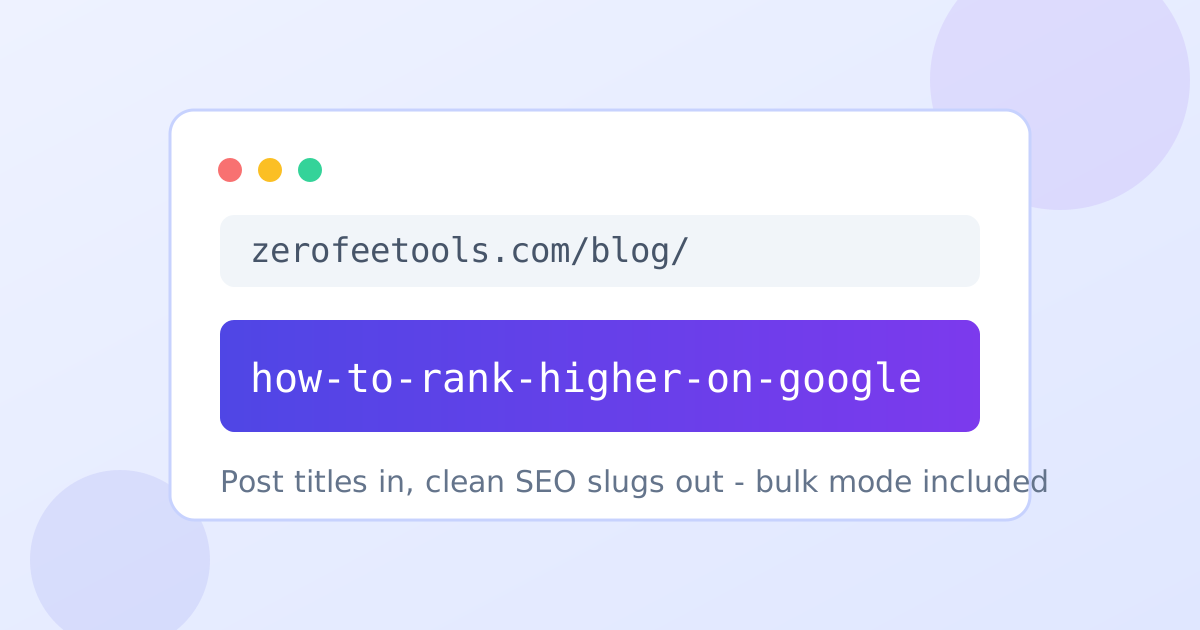
A URL slug generator is a free online tool that turns post titles into clean, SEO-friendly permalinks. Type or paste a title, pick a separator, optionally strip stop words, and copy the slug - or switch to bulk mode and convert a whole list of titles at once.
Type a title above to generate a slug
What is a URL slug?
A URL slug is the readable tail of a web address that identifies a page, like /how-to-rank-higher in example.com/blog/how-to-rank-higher. Good slugs are short, lowercase, hyphenated and keyword-rich. Search engines and readers both use them to understand a page's topic, so a clean slug is a small but real SEO and usability win.
In WordPress and most CMS platforms the slug is generated from the post title automatically, but the auto version often keeps filler words and awkward phrasing. Generating the slug yourself gives you a tighter, more keyword-focused permalink before you publish.
How do I create an SEO-friendly slug?
Keep it short (3-5 words), lowercase, hyphen-separated, and front-loaded with your target keyword. Remove stop words like "the" and "and", strip dates and numbers that will go stale, and never change a published slug without a 301 redirect. This generator applies all of these rules automatically as you type.
Avoid keyword stuffing in slugs: repeating the same term looks spammy to both readers and search engines. One clear keyword phrase per URL is the sweet spot, and hyphens (not underscores) are the separator Google recommends.
Should I remove stop words from my URLs?
Usually yes. Stop words like "the", "and", "of" and "for" add length without meaning, so removing them makes slugs shorter and more keyword-dense. Google ignores stop words when ranking, so dropping them costs nothing. Keep them only when removing them changes the meaning or reads unnaturally.
- Paste or type your post title into the input box.
- Choose hyphens or underscores as the separator.
- Toggle stop-word removal to shorten the slug.
- Copy the generated slug, or switch to Bulk mode for many titles at once.
Frequently asked questions
Is this URL slug generator free?
Yes. Generate unlimited slugs in single or bulk mode with no account, no watermark and no daily caps. Everything runs in your browser.
What are stop words in a URL slug?
Stop words are low-value filler words like the, and, of, in and for. Removing them shortens the slug and keeps the focus on keywords, which is why this generator offers a one-click stop-word removal toggle.
Should I use hyphens or underscores in slugs?
Use hyphens. Google treats hyphens as word separators but joins words around underscores, so hyphenated slugs are better understood. Hyphens are the default here.
Does changing a slug hurt my SEO?
Changing a published URL can cost rankings unless you add a 301 redirect from the old URL to the new one. For new posts, pick the final slug before publishing.
How does bulk slug generation work?
Switch to Bulk mode, paste one post title per line, and the tool converts every line to a slug instantly. Copy any single slug or use Copy All to grab the whole list.