
How to Reverse Text: 3 Modes for Flipping Any Text
Reversed text looks like nonsense until you need it: a puzzle that hides its answer in plain sight, a social media post designed to make people stop and decode it, a teaching exercise on how strings work, or a quick way to obfuscate a spoiler. Doing it by hand is tedious and error-prone past a few words. A text reverser flips any text instantly in three different modes, so you get exactly the kind of reversal your use case needs.
This guide explains the three modes, when each one is the right choice, and the practical uses people actually have for reversed text, from puzzles to simple encoding tricks. Results update live as you type, and everything stays in your browser. For playful formatting, pair it with the text case converter for alternating case, or check lengths with the character counter before posting.
What are the three ways to reverse text?
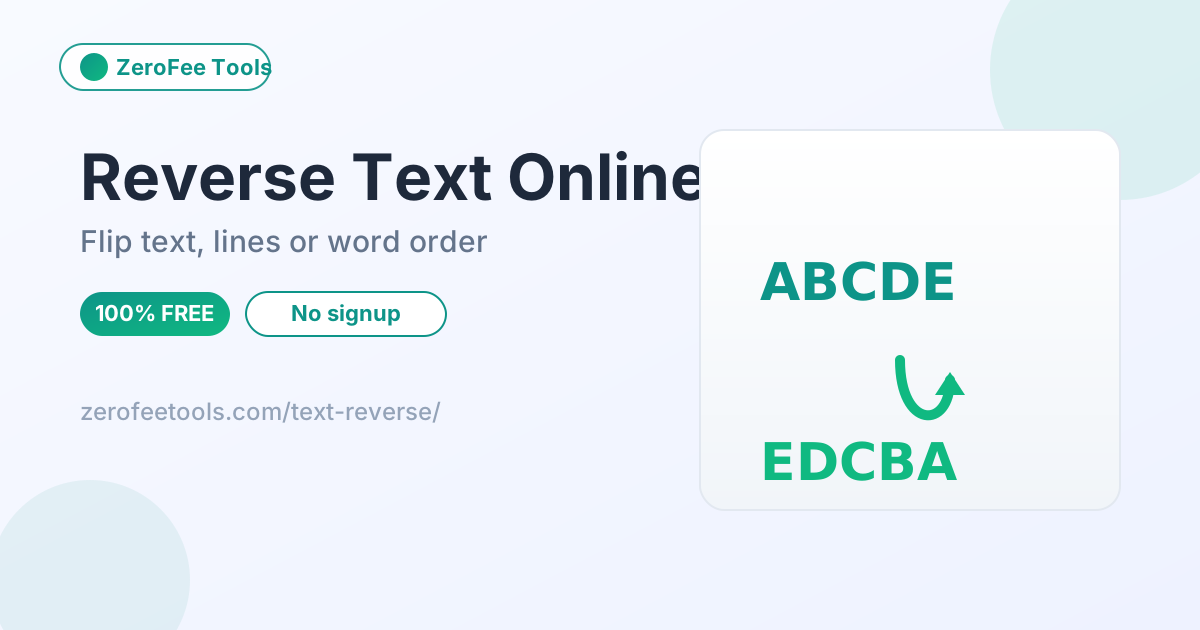
The reverser offers three modes: reverse whole text flips every character, so 'hello world' becomes 'dlrow olleh'; reverse each line flips every line individually while preserving line breaks; and reverse word order flips the sequence of words while keeping each word readable, so 'the cat sat' becomes 'sat cat the'. Pick the mode from the dropdown.
Reverse whole text flips every character in the entire input, so 'hello world' becomes 'dlrow olleh'. Use this when you want the full mirror effect, such as a puzzle answer or a social media post that rewards decoding. Line breaks stay where they are in the character stream, so multi-line text reverses as one continuous block.
Reverse each line keeps your line breaks in place and flips every line on its own, so a list stays a list but every entry reads backwards. Reverse word order is the gentlest option: it flips the sequence of words while leaving each word readable, turning 'the cat sat' into 'sat cat the'. That mode is useful for word puzzles and for playing with emphasis, since the last word of your sentence suddenly leads.
Why would anyone want to reverse text?
People reverse text for puzzles and scavenger hunts, for social media posts that invite decoding, for teaching how strings work in programming, and for lightly obfuscating spoilers. Writers use word-order reversal as an editing exercise because reading sentences backwards exposes weak phrasing. It is a playful, reversible transformation, not encryption, so do not use it for anything sensitive.
The most common use is puzzles and games: hide an answer, a password hint or a scavenger-hunt clue in reversed text and let people decode it. Teachers use reversal to demonstrate how strings and arrays work in programming classes, since flipping text is one of the clearest examples of manipulating character order. Social media users post reversed text because it breaks the scroll pattern and invites replies.
There are quieter practical uses too. Reversing a spoiler or a surprise announcement obfuscates it just enough that only curious readers decode it. Writers use word-order reversal as a creativity exercise, since reading a sentence backwards exposes weak phrasing that forward reading glides over. None of these need real encryption, which is the point: reversal is a playful, reversible transformation, not security.
Does reversing text twice restore the original?
Yes, as long as you use the same mode twice. Reversal is its own inverse: reversing 'hello' gives 'olleh', and reversing 'olleh' restores 'hello'. This makes the tool a decoder as well as an encoder: paste in reversed text, select the matching mode, and the original appears. Mixing modes will not restore the original.
Reversal is its own inverse operation: applying the same mode twice restores the original text exactly. Reverse 'hello' to get 'olleh', reverse 'olleh' and you are back to 'hello'. The same holds for line mode and word-order mode, as long as you use the same mode both times. Mixing modes will not restore the original, so keep track of which one you used.
This two-way property is what makes reversal useful for puzzles: the creator reverses the answer once, and anyone who knows the trick reverses it again to read it. It also means the tool doubles as a decoder. If someone sends you reversed text, paste it in, pick the matching mode, and the original appears. No separate decode step or key is needed.
How do I make a good text puzzle with reversed text?
Keep puzzle answers short: one reversed sentence or phrase is rewarding to decode, while long passages frustrate solvers. Use word-order mode for gentler puzzles where each word stays readable, and per-line mode for list-based clues like scavenger hunts. Always test the decode yourself before sharing the puzzle.
A good puzzle answer is short enough to decode by hand but long enough to feel rewarding: one sentence or a short phrase works best. Reverse it with whole-text mode and share it with the instruction to read it backwards. Longer passages frustrate solvers, so keep the challenge tight and the payoff quick.
Word-order mode makes a gentler puzzle, since each word stays readable and only the sequence is scrambled. Use it for younger solvers or casual social posts where you want engagement without frustration. Per-line mode suits list-based puzzles, like a scavenger hunt where each clue is its own reversed line. Whatever the format, test the decode yourself before sharing.
How to use the Text Reverser in 4 steps
- Enter your text. Type or paste it into the input box; any length works.
- Choose a reverse mode. Pick reverse whole text, reverse each line, or reverse word order from the mode selector.
- Read the live result. The reversed text updates instantly as you type or paste.
- Copy the result. Use the copy button to grab the reversed text, or clear the box and start over.
6 practical tips for reversing text
- Match the mode to the job. Whole text for mirror effects, per-line for lists, word order for readable-but-scrambled puzzles.
- Use the same mode to decode. Reversing twice with the same mode restores the original; mixing modes will not.
- Check character limits before posting. Reversed text is the same length as the original, so verify it fits with the character counter.
- Combine with alternating case for puzzles. Run the output through the text case converter for an extra layer of decoding fun.
- Keep line breaks meaningful in line mode. Each line flips independently, so format your list before reversing, not after.
- Do not use it for real secrets. Reversal is trivially decodable; use proper encryption for anything sensitive.
Frequently asked questions
Is this text reverser free?
Yes, free and unlimited with no account or daily cap. Reverse as much text as you like in any of the three modes, decode reversed text the same way, and copy every result.
What are the three modes?
Reverse whole text flips every character, reverse each line flips lines individually while keeping line order, and reverse word order flips the sequence of words while keeping each word readable.
Can I reverse text twice to get the original?
Yes, when you use the same mode twice. Reversing 'hello' gives 'olleh', and reversing 'olleh' gives 'hello' back. This makes it a handy two-way trick for puzzles and simple obfuscation.
Does it work with long documents?
Yes. Everything runs in your browser with JavaScript, so even long documents reverse instantly and your text never leaves your device. There is no practical length limit for normal use, from short phrases to full articles.
Is my text uploaded anywhere?
No, never. All processing happens in your browser with JavaScript, so your text stays on your device from paste to copy. Nothing is uploaded, stored or transmitted anywhere, which keeps puzzles, drafts and private messages private.
Ready to try it yourself? It's free, no signup required.
Try the free Text Reverser →