
How to Fix Broken URL Encoding (Free)
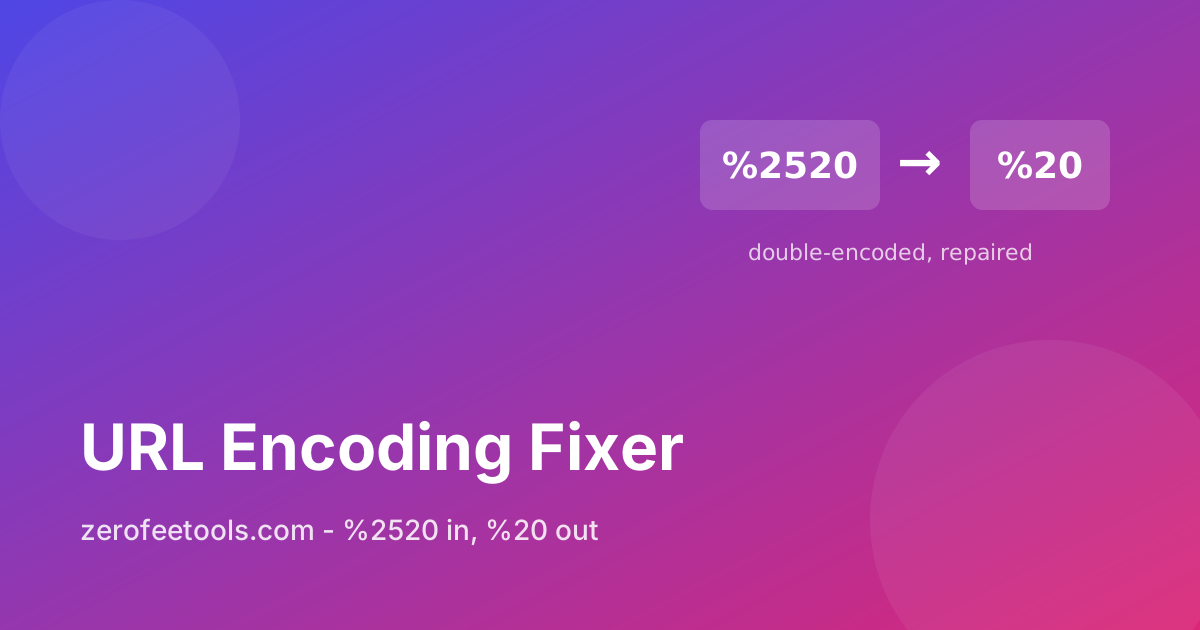
URLs break in a peculiar way: they look almost right but fail mysteriously. A link with a raw space in it gets rejected by a server. A shared link arrives as page%2520one and leads to a 404. A redirect chain mangles every special character until the address is unrecognisable. The culprit is percent-encoding, the system that replaces unsafe characters with a % sign plus two hexadecimal digits, and it goes wrong whenever links are encoded twice, not at all, or by hand. A URL encoding fixer repairs all three cases: decode %20 back to readable text, encode raw URLs properly, or fix double-encoding where %2520 should be %20.
Broken encoding haunts anyone who shares links across systems. Marketers fix campaign URLs that a CMS mangled, developers repair redirect chains, and content teams rescue pasted links full of raw spaces. Once the encoding is sound, inspect the query string with the URL parameter checker or strip the trackers with the Tracking URL Cleaner. Validated links fail less often.
What is percent-encoding in a URL?
Percent-encoding replaces unsafe URL characters with a % sign plus two hex digits: space becomes %20, slash becomes %2F, ampersand becomes %26. Decode turns encoded URLs into readable text, while Encode makes raw URLs with spaces or unicode safe to share and publish.
Percent-encoding replaces characters that are unsafe in a URL with a % sign plus two hexadecimal digits: a space becomes %20, a slash becomes %2F, and an ampersand becomes %26. Browsers encode automatically, but pasted or hand-built links often contain raw spaces or broken escapes that servers reject. Use Decode to read an encoded URL as plain text, and Encode to make a raw URL with spaces or unicode safe to share.
The rule of thumb is simple: humans read decoded text, servers need encoded URLs. When you are trying to understand what a gnarly link contains, decode it. When you are about to publish or share a link that contains spaces, unicode characters, or symbols, encode it. Encoding is not encryption; it only makes the characters transport-safe, so there is no security gained or lost either way. When copying links between documents and chats, encoding damage is common, so validate the link before publishing it anywhere important.
What is double-encoding and how do I fix it?
Double-encoding turns %20 into %2520 when an already-encoded link gets encoded again, often by a CMS or a redirect chain, and the mangled URL 404s. The fix reduces doubled sequences one level at a time until none remain, without touching correct single escapes.
Double-encoding happens when a URL is encoded twice, turning a space into %2520 instead of %20. The % sign itself gets encoded to %25, so the original %20 becomes %2520. This usually comes from encoding an already-encoded link, for example when a CMS re-encodes a shared URL or a redirect chain encodes at every hop. The result 404s because the server looks for a literal page named with %25 in it.
The fix finds sequences like %2520 and reduces them one level to %20, repeating until no doubled sequences remain. Correct single escapes are never touched, and decoding %20 all the way to a space is deliberately not done, since that is a separate decision. If your links pass through systems you do not control, fixing at the point of sharing is the pragmatic answer. Content migrations are a classic trigger, as old and new systems each encode the URLs they handle.
How do I know the fixed URL is actually valid?
The tool parses the result as a URL after every operation and reports valid or invalid with the reason. Valid means the structure parses correctly, not that the page exists, so open important links before publishing. Malformed sequences are left untouched with an explanation.
After every operation the tool attempts to parse the result as a URL and reports valid or invalid with the reason. A valid result means the structure, protocol, host, path, and query, parses correctly. It does not check whether the page exists, so a well-formed link to a deleted page still validates. Test important links by opening them before publishing. For critical links, open the validated URL in a private window to confirm it resolves.
Before-and-after views make every change transparent, so you can see exactly what each operation altered. If decoding fails on malformed sequences like a lone % sign, the tool keeps the original text and explains what went wrong instead of guessing. That honesty matters: silently mangling a link is worse than refusing to touch it.
How to use the URL Encoding Fixer in 4 steps
- Paste the broken URL. Drop the link with bad encoding into the input box, exactly as you received it.
- Choose Decode, Encode, or Fix double-encoding. Decode readable text from %20-style escapes, Encode a raw URL with spaces or unicode, or repair %2520-style double-encoding.
- Review the before and after. Compare the two views to confirm exactly what changed. Correct escapes are never altered by the double-encoding fix.
- Check validation and copy the result. Confirm the validation line reports a valid URL, then copy it. Open important links once before publishing.
5 practical tips for healthy URLs
- Fix encoding before debugging anything else. A 404 on a link full of %25 sequences is an encoding problem, not a missing page. Repair the encoding first and retest before escalating.
- Never encode twice. If your CMS already encodes URLs, do not encode them again before pasting. Double-encoding is the most common cause of %2520-style breakage. Paste raw, let the tool encode once.
- Decode to audit, encode to publish. Decode suspicious links to read what they contain, especially before clicking. Encode your own links with spaces or unicode before sharing them anywhere.
- Watch redirect chains. Each hop in a redirect chain can re-encode the URL. If a link works when pasted directly but breaks through a shortener, encoding damage in the chain is the likely cause.
- Pair with the parameter checker. After fixing encoding, run the URL through the parameter checker to see the decoded query values clearly and spot any trackers worth removing.
Frequently asked questions
Is this URL encoding fixer free?
Yes. Fix unlimited URLs with no account and no limits. It runs entirely in your browser, so your links never leave your device. There are no daily caps or fees.
How do I fix a double-encoded URL?
Short answer: paste the URL and press Fix double-encoding. The tool finds sequences like %2520, a percent sign that was itself encoded, and reduces them one level to %20, repeating until no doubled sequences remain.
Will fixing double-encoding decode %20 to a space?
No. The fix repairs only the doubled sequences and leaves correct escapes alone. Decoding %20 to a space is a separate operation, available with the Decode button when you actually want readable text.
How do I know the fixed URL is valid?
Short answer: after every operation the tool attempts to parse the result as a URL and reports valid or invalid with the reason. A valid result means the structure parses correctly; it does not check whether the page exists.
What happens with malformed encoding?
If decoding fails on malformed sequences like a lone % sign, the tool keeps the original text and explains what went wrong instead of guessing. This conservative behaviour protects your links from silent corruption. Test important links by opening them before publishing.
Ready to try it yourself? It's free, no signup required.
Try the free URL Encoding Fixer →