
Build UTM Campaign URLs Your Analytics Actually Understand
Every marketer has stared at an analytics report full of "direct" traffic and wondered which campaign actually drove it. UTM parameters end that guessing: five short tags appended to a URL (source, medium, campaign, term, content) tell your analytics exactly where each visitor came from. The UTM Builder creates those tagged links in seconds, with one-click presets for Google Ads, newsletters, X, and Facebook that fill source and medium instantly, proper URL encoding throughout, and a campaign URL history saved in your browser with copy and delete per link.
Newsletter teams tag every issue, social media managers distinguish organic posts from paid boosts, and growth teams compare channels side by side in one Analytics view. Existing query parameters are preserved, so UTMs append cleanly without breaking links. When a tagged URL arrives cluttered or you need to audit parameters, the tracking URL cleaner strips them back down, and the URL parameter checker inspects what each query string carries.
What are UTM parameters and how do they work?
UTM parameters are short tags added to a URL (utm_source, utm_medium, utm_campaign, utm_term, utm_content) that tell analytics tools where a visitor came from. For example, utm_source=newsletter and utm_medium=email identify an email campaign click precisely.
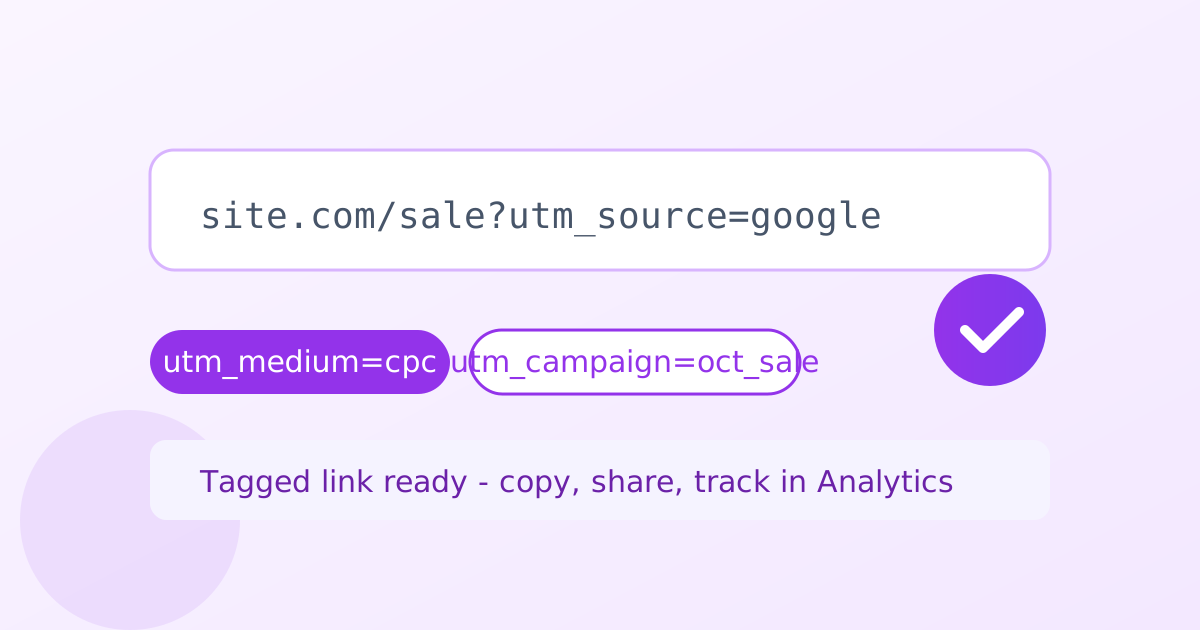
The five parameters each answer a question. Utm_source names the referrer (newsletter, google, facebook). Utm_medium names the channel type (email, cpc, social). Utm_campaign names the specific promotion (spring_sale, launch). Utm_term optionally records the paid keyword, and utm_content optionally distinguishes variants, such as two buttons in the same email. Together they turn an anonymous visit into a fully attributed session.
The name is a piece of web history: UTM stands for Urchin Tracking Module, from the analytics company Google acquired in 2005. The standard has barely changed in twenty years, which makes UTM data wonderfully portable. A link tagged today will be readable by whatever analytics tool you use a decade from now, unlike proprietary click IDs that die with their platform.
Consistency across the team is what makes UTM data trustworthy. If one person writes utm_source=newsletter and another writes utm_source=email-newsletter, reports split the same traffic into two lines. Agree on a short list of allowed values for source and medium, and the builder's presets help everyone start from the same vocabulary.
Should you use UTMs on internal links?
No, never put UTM parameters on links within your own website. They overwrite the visitor's original traffic source in Analytics, so a paid click that later uses an internal UTM-tagged link gets misattributed to the wrong channel.
This is the single most common UTM mistake, and it corrupts reports silently. Analytics attributes each session to its traffic source, and a UTM-tagged internal link overwrites that source mid-session. A visitor who arrived from a paid ad and then clicks an internal link tagged utm_source=blog suddenly looks like blog traffic, and the ad that earned the visit loses its credit.
The rule is simple: UTMs belong on inbound links from outside your website, never on links within it. Navigation menus, footer links, in-article links, and promotional banners on your own domain should all be plain URLs. If you need to track which internal banner gets clicks, use event tracking or on-page analytics instead, which measure the click without rewriting the session's source.
Offline campaigns can use UTMs too. A QR code on a flyer or a link in a slide deck can carry utm_source=flyer and utm_medium=print, which brings offline efforts into the same report as digital ones. The moment someone scans and visits, the attribution flows into Analytics like any other campaign.
Do you still need UTMs if Google Ads auto-tagging is on?
Google Ads can auto-tag clicks with a gclid instead of UTMs, which is simpler for Ads-only tracking. But UTMs are still worth adding when you compare Ads against email, social, and organic in one Analytics view, or when your data leaves Google's ecosystem.
Google Ads offers auto-tagging, which appends a gclid parameter to every ad click instead of manual UTMs. For pure Ads reporting inside Google's own ecosystem, auto-tagging is simpler: there is nothing to build and nothing to mistype. If Ads is your only channel, it is a reasonable choice.
Manual UTMs earn their place the moment you compare channels. When one Analytics view must show Ads against email, social, and organic side by side, consistent utm_source and utm_medium values make the comparison apples to apples. They also survive outside Google's walls: a gclid means nothing to most third-party tools, while UTMs are universally understood. If you use both, Analytics prefers your manual UTMs over auto-tagging for session attribution, so they never conflict.
How to use the UTM Builder in 4 steps
- Paste the page URL. Enter the destination page you want to track; existing query parameters are preserved.
- Pick a preset or fill the fields. Use a one-click preset for Google Ads, newsletters, X, or Facebook, or enter utm_source, utm_medium, and utm_campaign manually.
- Add term and content. Optionally include utm_term for paid keywords and utm_content to distinguish creative variants.
- Copy and save. Copy the tagged URL with one click and keep it in your browser's link history.
6 practical tips for trustworthy campaign data
- Use a consistent naming convention. Lowercase, hyphenated values (spring-sale, not Spring_Sale) keep reports clean and mergeable.
- Always fill source, medium, and campaign. These three are the minimum for useful reporting; term and content are optional detail.
- Use utm_term for paid keywords. Recording the triggering keyword per ad group turns search reports from vague to precise.
- Use utm_content for A/B tests. Tag each creative variant separately to see which button, image, or subject line won.
- Never tag internal links. Menus, banners, and in-article links on your own site stay plain; use event tracking for those clicks.
- Audit tagged URLs before sharing. The URL encoder decoder verifies that special characters in campaign names encoded correctly.
Frequently asked questions
Is the UTM builder free?
Yes. It is free and unlimited with no signup. Build as many tagged campaign URLs as you like, and your link history is saved in your own browser.
Which UTM parameters are supported?
All five: utm_source, utm_medium, utm_campaign, utm_term, and utm_content. Source, medium, and campaign are the essential three; term and content add finer detail for paid keywords and creative variants.
Should I use UTMs on internal links?
No. Never put UTM parameters on links within your own website. They overwrite the visitor's original traffic source in Analytics, so a paid click that later uses an internal UTM-tagged link gets misattributed.
What if my URL already has query parameters?
Yes. Existing query parameters are preserved: the UTMs are appended cleanly without breaking your links or duplicating the question mark.
Where is my link history stored?
Your campaign URL history is saved in your browser's local storage, with copy and delete per link. It never leaves your device.
Do I need UTMs if Google Ads auto-tagging is on?
Google Ads can auto-tag clicks with a gclid instead, which is simpler for Ads-only tracking. But UTMs are still worth adding when you compare Ads against email, social, and organic in one Analytics view.
Ready to try it yourself? It's free, no signup required.
Try the free UTM Builder →