
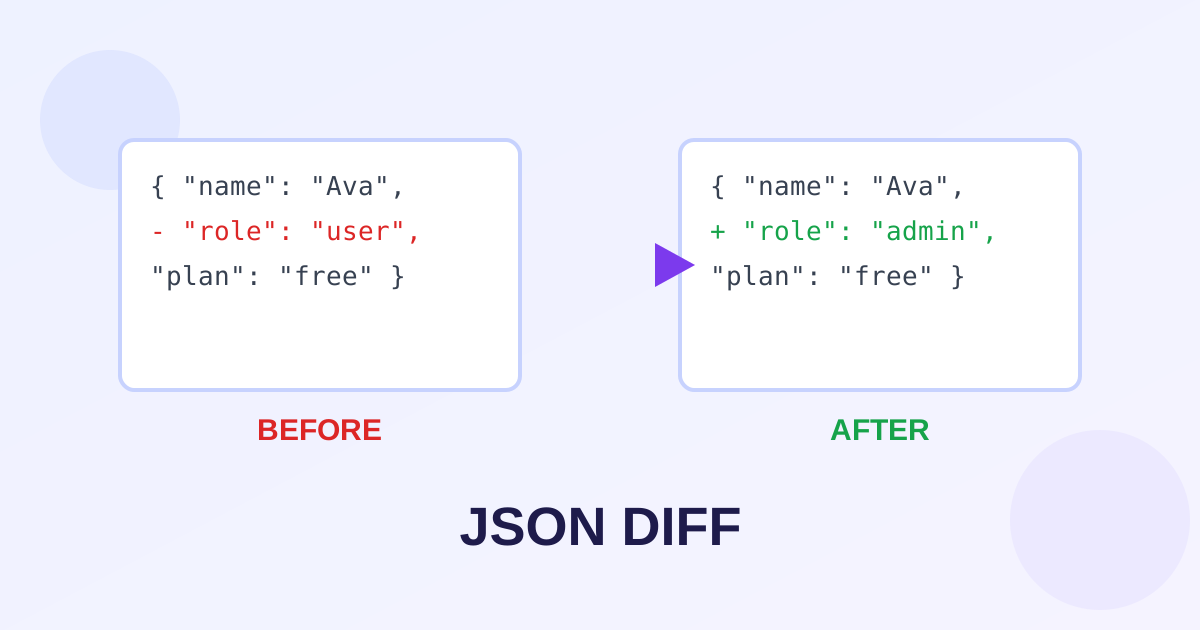
This free JSON diff checker compares two JSON documents and shows you exactly what changed. It is the fastest way to compare JSON API responses, config files or data snapshots: paste or upload the left and right versions, and the tool pretty-prints both, counts added, removed and changed lines, and highlights each difference in a clean side-by-side view. No libraries, no uploads, no signup.
Compare JSON
1. Put the original JSON on the left and the new JSON on the right. 2. Set your options. 3. Click “Compare JSON” and read the highlighted differences.
Left JSON
Right JSON
How to compare JSON in 3 steps
- Paste, upload or drag-and-drop the original JSON into the left editor and the new JSON into the right editor (or click “Load sample data” to try it).
- Leave “Ignore key order” on unless you care about ordering, and tick “Ignore whitespace differences” if formatting changed.
- Click “Compare JSON”. The summary counts added, removed and changed lines, and the side-by-side view highlights each one.
Reading the diff output
Green lines were added on the right, red lines were removed from the left, and yellow lines changed value. Lines stay aligned across both columns, so a change is easy to spot at a glance.
A “changed” line means the same key exists on both sides with a different value - for example "role": "Engineer" becoming "role": "Manager". Added and removed lines are keys that exist on only one side.
Why key order usually does not matter
In JSON, {"a":1,"b":2} and {"b":2,"a":1} are the same object, so the diff checker sorts every object's keys before comparing. This is on by default.
Turn “Ignore key order” off only when you deliberately want to see ordering differences, for example when reviewing a hand-edited config where key placement matters to your team.
Frequently asked questions
What does this JSON diff checker compare?
It compares two JSON documents line by line and reports added keys (only on the right), removed keys (only on the left) and changed values, with every difference highlighted in a side-by-side view.
What does "Ignore key order" do?
It deep-sorts every object's keys before comparing, so {"a":1,"b":2} and {"b":2,"a":1} show zero differences. It is on by default because key order is meaningless in JSON. Turn it off to see ordering differences.
What if my JSON is invalid?
The tool tells you exactly which side is broken and the character and line position of the first syntax error, so you can fix it fast. The JSON Validator tool can also pinpoint and explain errors.
Is there a size limit?
No artificial limit and no signup. Comparison runs entirely in your browser, so very large documents (tens of thousands of lines) may take a few seconds on slower devices.
Is my JSON data uploaded anywhere?
No. The diff engine is plain JavaScript running on your device. Your data never leaves your browser.