
Audit Your Google Business Profile Free in 5 Minutes
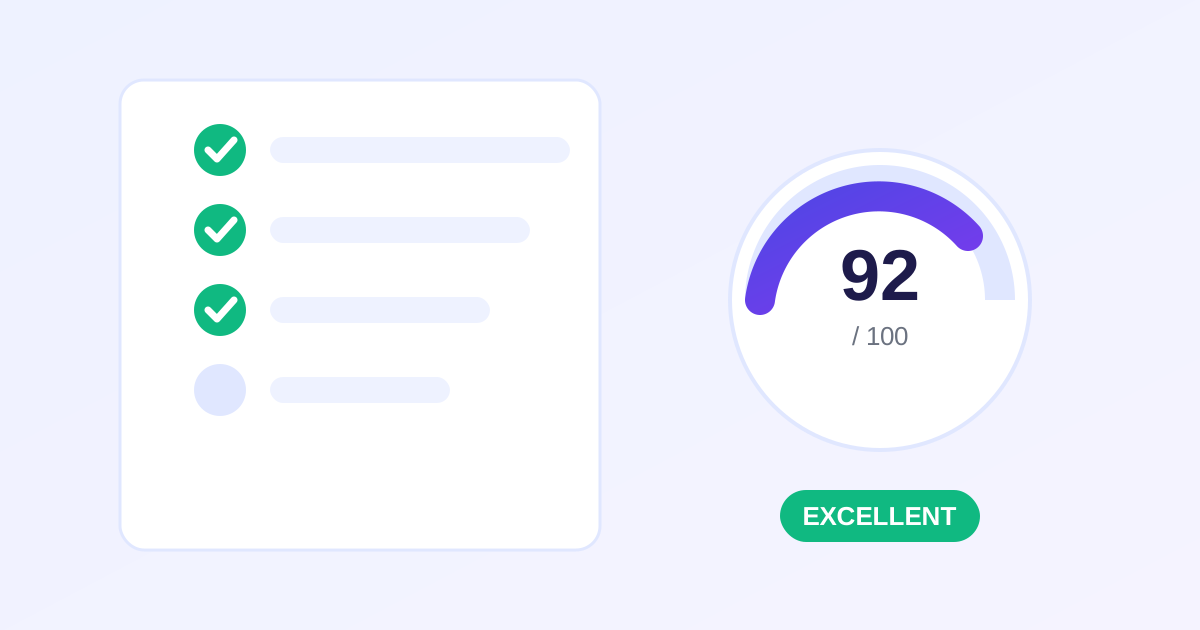
Most Google Business Profiles are half-finished: missing hours, three blurry photos, unanswered reviews, no posts since last year. Each gap quietly costs local rankings and clicks. The free GBP Audit Tool from ZeroFee Tools grades your listing like an SEO consultant would, through an interactive checklist covering business info, hours, photos, reviews, services, Q&A, posts, website, and attributes, then gives you a 0-100 score and a prioritized action plan.
How do I audit my Google Business Profile?
Open the GBP Audit Tool and work through the checklist honestly: business name and categories, hours and holidays, photo quantity and quality, review count and responses, services, Q&A, posts, and website link. Each answer feeds a 0-100 score, and the action plan tells you which gaps to fix first for the biggest local ranking lift.
Incomplete profiles lose clicks to fully optimized competitors nearby.
What hurts a Google Business Profile ranking most?
The biggest silent killers are wrong or missing categories, unanswered negative reviews, too few recent photos, and months of posting silence. Inconsistent name, address, and phone data across the web also erodes trust. Fixing these fundamentals usually beats any advanced tactic for small businesses.
Respond to every review within a week to show Google an active, cared-for listing.
Answer honestly and you get a 0–100 score plus “Your action plan” - the fixes prioritized by impact, so you work on what moves the needle first. Your progress saves in your browser automatically, and “Reset audit” starts you fresh any time. It never connects to your Google account; it's a guided self-assessment, which also means your data stays private.
How to use the GBP Audit Tool in 4 steps
- Work through the checklist. Go section by section - info, hours, photos, reviews, services, Q&A, posts, website, attributes - answering each item truthfully about your live listing. Open your profile in another tab to verify as you go.
- Get your 0–100 score. The tool scores your answers instantly. Don't aim for vanity - an honest 62 you can act on beats a generous 90 that hides problems.
- Follow “Your action plan.” The plan orders fixes by impact, not by section. Work top-down: the first three items usually deliver most of the improvement.
- Re-audit monthly. Your progress is saved locally in your browser. Hit “Reset audit” and run it fresh each month to confirm the fixes stuck and catch new gaps (like expired holiday hours).
5 practical tips
- Your primary category matters most. It's the single highest-impact field. If you're a “Plumber” who also does drain cleaning, the primary category should still be the service customers search for most.
- Reply to every review - especially bad ones. Response rate and recency are trust signals for both Google and prospects. A calm, professional reply to a 1-star review often impresses readers more than ten 5-stars.
- Add 1–2 photos every week. Profiles with fresh photos get measurably more direction requests and calls. Team, storefront, and in-progress job shots all count - no stock photos.
- Seed your Q&A. Post and answer the questions customers always ask (parking, pricing, hours). If you don't, someone else - possibly a competitor - will answer them for you.
- Set holiday hours before the holiday. Nothing tanks trust like “Open” on Google when your door is locked. It's also one of the most commonly missed checklist items.
Frequently asked questions
How is the 0–100 score calculated?
Each checklist item carries a weight based on its SEO impact - core fields like categories and reviews count more than nice-to-haves. The score is the weighted percentage of items you've completed.
Where is my audit data saved?
In your browser's local storage, on your device only. Nothing is uploaded, and clearing it is as simple as hitting “Reset audit” or clearing site data.
Does it connect to my Google account?
No. It's a guided self-assessment - you compare each checklist item against your live listing yourself. That keeps it private, free, and working for any business, including ones you don't own.
Ready to try it yourself? It's free, no signup required.
Try the free GBP Audit Tool →