
Free Local Rank Checker: See Where You Rank Across Your City
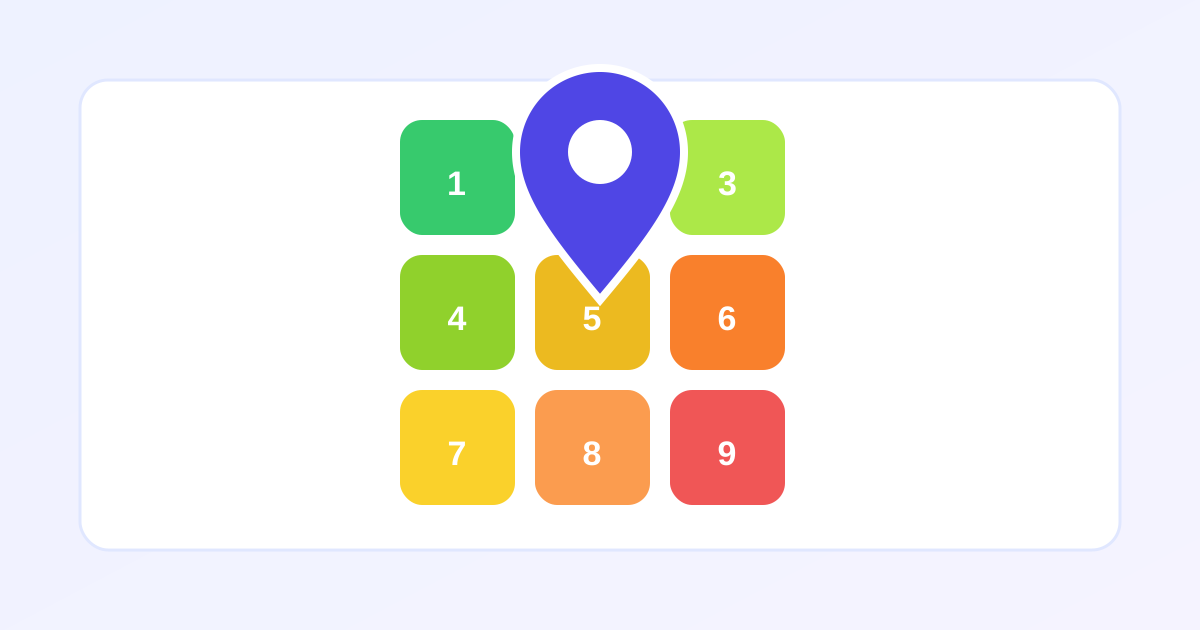
Ranking number one for your keyword from your office means nothing if you are invisible three miles away, and Google shows different local results at every point on the map. The free Local Rank Checker from ZeroFee Tools reveals your true visibility with keyword-by-location grid checks: pick your keywords and area, and see your approximate local-pack position at each grid point as a heatmap. Two modes cover everyone: automated with your own API key, or manual with no key at all.
How do I check my Google local rankings for free?
Enter your business keywords and service area in the Local Rank Checker, then run a grid check. Each point on the map returns your approximate local-pack position, visualized as a color-coded heatmap. You can run it with your own Google API key for automation, or log positions manually in the built-in tracker with no key required.
Re-check monthly: local rankings shift with reviews, photos, and competitor moves.
Why do my Google rankings change by location?
Google personalizes local results to the searcher's exact position, so ranking first downtown does not mean ranking first in the suburbs. Distance from the searcher is a core local ranking factor alongside relevance and prominence. A geo-grid checker exposes this reality, showing where you dominate and where competitors own the map.
Weak zones are your content and review-building priority areas.
You get two ways to run it. Automated mode uses your own Google Cloud API key to query the Places API and build the grid for you, with CSV export. Manual mode needs no key at all - it generates geo-targeted Google Maps search URLs for each grid cell, and you log the positions you observe. Every result is labeled “approximate position via Places API,” because that's the honest description of what API-based rank data is.
How to use the Local Rank Checker in 5 steps
- Set up your check. In “Step 1 - Your setup,” use “+ Add location” to define the keyword and area you want to test - e.g., “emergency plumber” across your service city.
- Choose automated or manual. Pick “Automated (API key)” if you have a Google Cloud key, or “Manual mode (no key)” to do it by hand. The tool adapts its steps to your choice.
- Connect your key (automated). In “Step 2 - Connect your Google Cloud API key,” paste a key with the Places API enabled and hit “Save key in this browser.” It's stored only in your browser - “Clear saved key” removes it any time.
- Run the check. Hit “Run automated check” and watch the grid fill with your approximate local-pack positions per cell. In manual mode, work through “Step 2 - Check each cell manually,” opening each generated Maps URL and logging the position you see (“Clear manual entries” resets).
- Export and track. Review the “Results - approximate local-pack positions” heatmap and hit “Download CSV” to keep a dated record. Re-run regularly to spot movement.
5 practical tips
- Start with a small grid. Each automated cell costs a Places API call, which bills to your Google Cloud account. A tight 3×3 or 5×5 grid over your core area is plenty to start - expand once you know your usage.
- Re-check weekly, same time. Local rankings fluctuate through the day. A consistent weekly snapshot (same weekday, same hour) gives you a trend line instead of noise.
- Your key never leaves your browser. It's saved in local browser storage, not on any server. Still, restrict the key in Google Cloud Console to the Places API and your usage - good hygiene for any API key.
- Read “approximate” literally. API-based positions reflect what Google's data says, not a logged-in user's personalized results. Use the grid for trends and weak spots, not for arguing over a single position.
- Hunt the red cells. The heatmap's weakest cells are your content and review targets - those are the neighborhoods where competitors are out-optimizing you.
Frequently asked questions
Is the Local Rank Checker free?
The tool itself is 100% free. Automated mode uses your own Google Cloud API key, and Google may bill tiny per-query fees to your Cloud account depending on your usage tier - manual mode costs nothing at all.
What if I don't have a Google Cloud API key?
Use manual mode. It generates geo-targeted Maps search URLs for every grid cell - you open each, note where you rank, and log it. Slower, but free and surprisingly accurate.
How accurate are the positions?
They're labeled “approximate position via Places API” for a reason: they reflect Google's Places data at that map point, not personalized logged-in results. Perfect for tracking trends and coverage gaps across your service area.
Ready to try it yourself? It's free, no signup required.
Try the free Local Rank Checker →