
Preview Your Meta Description Exactly as Google Shows It
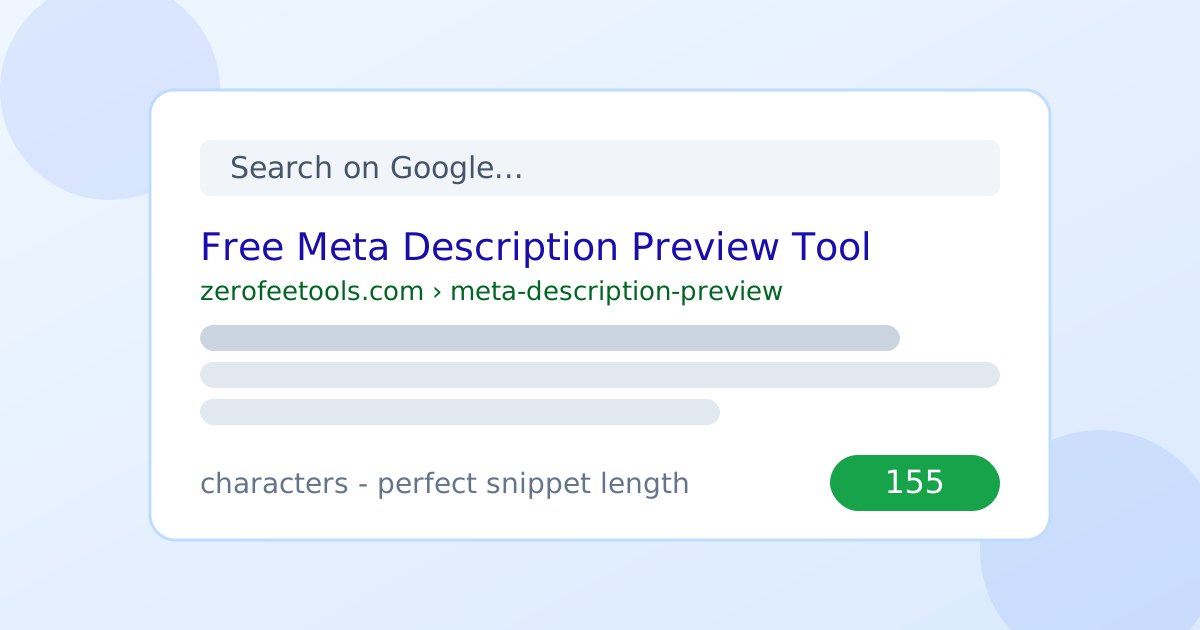
Writing a meta description blind is guesswork. You type 160 characters into a CMS field and hope Google displays them the way you imagined, but truncation, mobile widths, and rewrites can all mangle the result. The Meta Description Preview tool removes the guesswork with a live Google-style SERP preview: your blue link title, URL breadcrumb, and description render exactly as searchers would see them. A smart character counter with a 150 to 160 guidance bar turns green when the length is perfect and red when Google would truncate it.
SEOs check every page before launch, bloggers rewrite thin snippets that lose clicks to competitors, and agencies show clients exactly what will appear in search. Desktop and mobile widths are both covered, since mobile truncates earlier. Pair it with the title tag preview to perfect the full snippet, and use the open graph preview to control how the same page looks when shared on social media.
How long should a meta description be?
Aim for 150 to 160 characters. Google typically shows about 155 characters (around 920 pixels) of a meta description on desktop, and less on mobile. Shorter descriptions may look thin next to competitors; longer ones get truncated mid-sentence.
The commonly cited range exists because of how Google renders results. On desktop, Google typically shows about 155 characters, roughly 920 pixels, of a meta description before cutting it off. Shorter descriptions can look thin next to competitors who use the full space, while longer ones get truncated mid-sentence, which looks sloppy and wastes the effort spent writing the tail.
Mobile tightens everything. Smaller screens show fewer characters, so a description tuned perfectly for desktop may lose its call to action on a phone. That is why the tool offers both widths: write to the 150 to 160 range, verify it holds on mobile, and front-load the benefit so the most important words survive even aggressive truncation.
Pixel width matters more than most writers expect. Google measures the description in pixels, so a description full of wide capital letters truncates earlier than the same character count in lowercase. The guidance bar in the tool accounts for this, which is why trusting the visual indicator beats counting characters by hand.
Do meta descriptions affect Google rankings?
No, meta descriptions are not a direct Google ranking factor. But they strongly affect click-through rate: a clear, benefit-led description wins more clicks from the same ranking position, and higher CTR can indirectly support better performance over time.
Google has confirmed repeatedly that meta descriptions do not directly influence rankings. The algorithm does not read your description and decide the page deserves a higher position. Chasing keyword placement in the description for ranking purposes is wasted effort.
The indirect effect is where the money is. A clear, benefit-led description wins a higher share of clicks from the same ranking position, and that click-through rate is visible in Search Console and in your traffic. Pages with compelling snippets earn more visits without moving a single ranking position, which makes the description one of the highest-leverage edits on any page. The title tag preview completes the picture by optimizing the clickable headline above it.
Search Console turns this into a measurable experiment. Rewrite a page's description, note the date, and watch the click-through rate for its top queries over the following weeks. Pages with the biggest gap between impressions and clicks are the best candidates: they already rank, so better snippets convert existing visibility into traffic.
Why does Google rewrite meta descriptions?
Google rewrites the snippet when it thinks your page content answers the query better than your meta description does. This happens on roughly 60 percent of listings, but well-written, query-relevant descriptions are used far more often.
Google rewrites the snippet when it believes the page content answers the searcher's query better than the provided description. This is not rare: it happens on roughly 60 percent of listings. A generic description gets replaced; a specific, query-relevant one survives far more often.
The defense is relevance, not length. Write the description to match the search intent behind the page's target keyword, include the page's main benefit and a reason to click, and keep it unique to the page. When Google does rewrite despite your best effort, treat the rewritten snippet as feedback: it is showing you which part of your content it considers most relevant to that query.
Different queries can deserve different descriptions, which is worth remembering for pages that rank for multiple intents. You can only set one meta description per page, so write it for the primary query and let Google rewrite for secondary ones. The rewrite is not a failure; it is Google tailoring the snippet to a query you did not optimize for.
How to use the Meta Description Preview in 4 steps
- Type your page title, URL, and description. Fill in the three fields that make up the search snippet.
- Toggle desktop and mobile views. Check how the snippet renders at both widths before you publish.
- Watch the character counter. The 150 to 160 guidance bar shows green for perfect length and red for truncation risk.
- Adjust until it is perfect. Rewrite the text until the status shows a clean, complete snippet at both widths.
6 practical tips for snippets that earn clicks
- Write for humans first. Lead with the page's main benefit and a clear reason to click, not a keyword list.
- Front-load important words. Place the key benefit early so it survives truncation on small screens.
- Keep every page unique. Duplicate descriptions across pages invite Google to rewrite them; write one per URL.
- Match the search intent. A description aligned with the query behind the keyword gets rewritten far less often.
- Check mobile every time. Mobile truncates earlier than desktop, so a desktop-perfect snippet can still break on phones.
- Preview the social version too. Run the page through the open graph preview so shares look as polished as search results.
Frequently asked questions
Is the meta description preview tool free?
Yes. It is free and unlimited with no signup. Preview as many meta descriptions as you like, in both desktop and mobile widths.
Do meta descriptions affect Google rankings?
No, meta descriptions are not a direct Google ranking factor. But they strongly affect click-through rate, and a compelling snippet earns more clicks from the same ranking position.
Why does Google rewrite my meta description?
Google rewrites the snippet when it thinks your page content answers the query better than your meta description does. This happens on roughly 60 percent of listings, so query-relevant descriptions get used more often.
Does the preview differ between desktop and mobile?
Mobile shows fewer characters than desktop, so a description that fits perfectly on desktop may truncate on a phone. Always check both widths before publishing.
What makes a meta description get clicks?
Write for humans first: include the page's main benefit and a reason to click, and place the most important words early so they survive truncation on small screens.
Is my input sent to a server?
No. Everything runs in your browser, so your titles and descriptions are never uploaded or stored.
Ready to try it yourself? It's free, no signup required.
Try the free Meta Description Preview →