
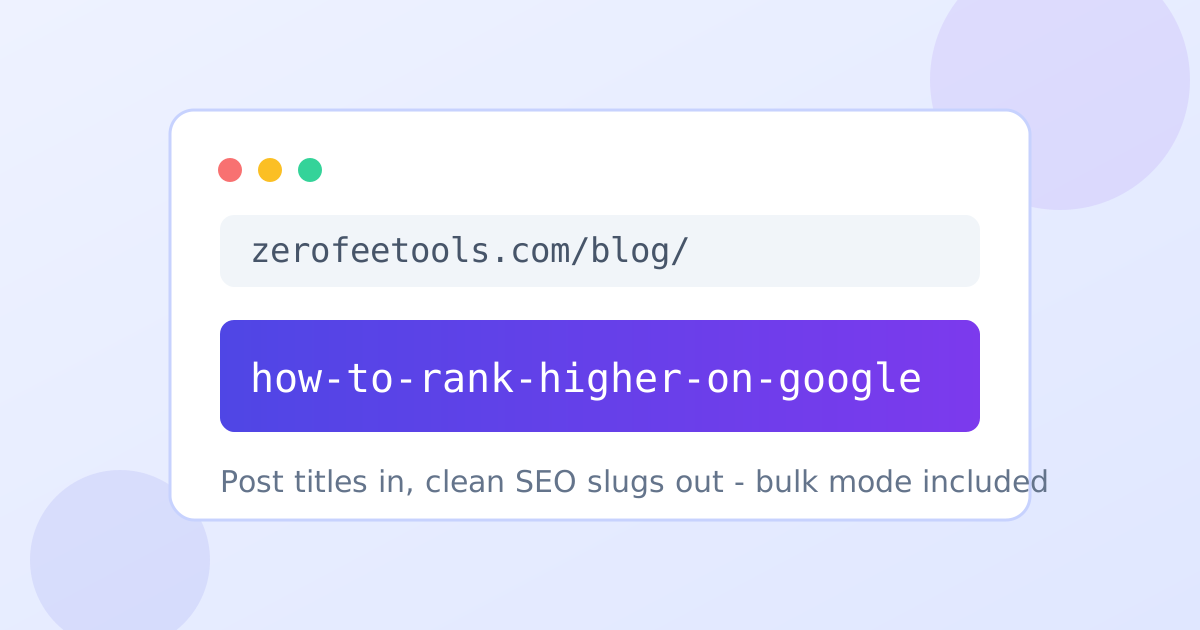
Slug Generator: Turn Titles Into Clean SEO URLs Free
Most CMS platforms generate a URL slug from the post title automatically, but the auto version is lazy: it keeps filler words, awkward phrasing, and punctuation that makes URLs long and forgettable. The Slug Generator fixes that in one click. Type or paste any title and it produces a lowercase, hyphenated slug with accents and punctuation stripped automatically. Optional stop-word removal drops words like "the", "and", and "of" for shorter, keyword-dense permalinks, and bulk mode handles dozens of titles at once.
Bloggers tighten every permalink before publishing, store owners generate clean product URLs in bulk, and content teams standardize slugs during site migrations. A good slug pairs with a well-crafted snippet, so check yours with the meta description preview and title tag preview tools. If an existing URL needs tidying rather than a fresh slug, the URL slug cleaner repairs it.
What is a URL slug and why does it matter for SEO?
A URL slug is the readable tail of a web address that identifies a page, like /how-to-rank-higher in example.com/blog/how-to-rank-higher. Good slugs are short, lowercase, hyphenated, and keyword-rich, which helps both search engines and the humans deciding whether to click.
The slug is the readable tail of a web address, the part that identifies the page, like /how-to-rank-higher in example.com/blog/how-to-rank-higher. Readers see it in search results, in shared links, and in the address bar, and a clear slug tells them what the page is about before it loads. Search engines use it as a small relevance signal too, which is why the target keyword belongs in the slug.
Good slugs share four traits: short, lowercase, hyphen-separated, and keyword-rich. Short matters because long URLs get truncated in search results and look untrustworthy when shared. Lowercase avoids case-sensitivity bugs on some servers. Hyphens are the separator Google recommends. And keyword-rich means the slug carries the page's topic in three to five words, not a full sentence.
Slugs also play a quiet role in analytics. Clean, readable URLs make behavior reports scannable: you can tell which pages earned traffic just by reading the paths. Parameter-laden URLs turn the same report into alphabet soup. A consistent slug convention is a gift to everyone who reads your analytics later, including you.
The separator choice has a technical reason behind it. Google treats hyphens as word boundaries, so each word in a hyphenated slug can match query terms independently. Underscores are treated as joiners, gluing words into a single token that matches less often. That single character choice measurably affects how the URL performs as a relevance signal.
Should you remove stop words from your URLs?
Usually yes. Stop words like the, and, of, and for add length without meaning, so removing them makes slugs shorter and more keyword-dense. Google ignores stop words when ranking, so dropping them costs nothing in most cases.
Stop words are the filler of language: the, and, of, for, a, in. They add length without meaning, so /the-complete-guide-to-indoor-plants becomes /complete-guide-indoor-plants after removal. The slug gets shorter, the keywords sit closer together, and nothing of value is lost, because Google ignores stop words when ranking anyway.
There are exceptions worth keeping in mind. Sometimes a stop word carries meaning, as in a brand name or a well-known phrase where dropping it changes the sense. And readability still counts: a slug should read naturally when spoken aloud. The tool makes stop-word removal a toggle rather than a mandate, so you can compare both versions and keep the one that reads better.
Multilingual sites get an extra benefit from accent stripping. A French or Spanish title with accented characters becomes a pure ASCII slug automatically, which avoids encoding issues in older systems and keeps URLs copy-paste safe across every platform, from emails to spreadsheets.
Do URL slugs affect click-through rate?
Yes, indirectly. Searchers read the URL in the snippet before clicking, and a short, readable slug that mirrors the query builds trust and confirms relevance. A long slug full of IDs and parameters does the opposite, making the result look low quality even when the content is good.
The slug is one of the few parts of your page that searchers see before they visit. In the search snippet it sits under the title as a breadcrumb, and people do glance at it. A slug like /emergency-plumber-austin tells the searcher the page is exactly what they asked for; /p?id=48291 tells them nothing and invites skepticism.
Readability also matters when links travel. Clean slugs get shared in emails, chats, and social posts where the full URL is visible, and a readable URL earns more of those shared clicks than a cryptic one. Keep slugs human-readable and you turn every shared link into a small trust signal for the page.
There is a compounding effect over time. Every clean slug you publish becomes a permanent, shareable address that other sites link to with confidence. Those inbound links accumulate into domain authority, which lifts the whole site. Sloppy URLs earn fewer links because people hesitate to share addresses that look broken or temporary.
placeholder
placeholder
placeholder
How to use the Slug Generator in 4 steps
- Paste or type your post title. Enter the headline you want to turn into a URL slug.
- Choose your separator. Pick hyphens (recommended by Google) or underscores.
- Toggle stop-word removal. Drop filler words like the, and, and of for a shorter, keyword-dense slug.
- Copy the slug or go bulk. Copy the result, or switch to bulk mode to generate slugs for many titles at once.
6 practical tips for better slugs
- Keep slugs to 3 to 5 words. Short URLs get shared more and never truncate awkwardly in search results.
- Front-load the target keyword. Put the most important term first so it survives truncation and carries the most weight.
- Use hyphens, not underscores. Google treats hyphens as word separators and underscores as joiners.
- Strip dates and numbers that go stale. A year in the slug makes evergreen content look expired within months.
- Never edit a published slug casually. Changing a live URL without a redirect breaks bookmarks, links, and indexed pages.
- Sanitize file names the same way. The filename sanitizer applies the same clean-naming logic to uploaded files and images.
Frequently asked questions
Is the slug generator free?
Yes. It is free and unlimited with no signup. Generate slugs for as many titles as you like, one at a time or in bulk mode.
Should I use hyphens or underscores in slugs?
Hyphens. Google explicitly recommends hyphens as word separators in URLs, and treats underscores as joiners, so always-hyphenated slugs are the safe choice. The tool offers both but defaults to hyphens.
Should I remove stop words from my URLs?
Usually yes. Stop words like the, and, of, and for add length without meaning, and Google ignores them when ranking. Removing them makes slugs shorter and more keyword-dense.
Does it handle accents and special characters?
Yes. Accents and punctuation are stripped automatically, so a title like "Café Guide: 10 Tips!" becomes a clean ASCII slug without manual cleanup.
Can I generate slugs in bulk?
Yes. Paste dozens of titles at once and the tool generates a slug for each, which is ideal for bulk publishing, product catalogs, and content migrations.
Is my input sent to a server?
No. Everything runs in your browser, so your titles are never uploaded or stored anywhere.
Ready to try it yourself? It's free, no signup required.
Try the free Slug Generator →